1
7 Complete the Installation
This chapter describes the final installation of the Tek-CARE500 System.
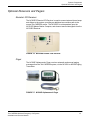
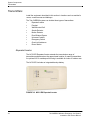
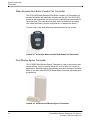
Remote Device Installation
After the hardware is added to the Tek-CARE500 System using the Config
Tool and Event Monitor, physically install the repeater/locators and stationary
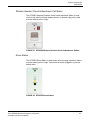
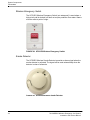
transmitters in their final locations. The stationary remote devices may have
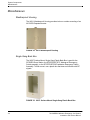
wall mounting hardware, or may be installed in non-metal back boxes
designed for a flush mount. Mobile devices come with belt hooks, and
necklaces.
Verify that all equipment has been set up and identified as described in
System Setup, Programming Using the LS500 Config Tool, beginning on
page 61.
Verify that the assigned location for each transmitter has been recorded on the
transmitter or on its packaging.
Verify that there is a record of the locations in which the equipment will be
permanently installed. (See Locations on page 64.)
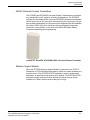
Install repeater/locators in the locations determined by the site survey, and
indicated on the Proximity Maps, blueprints, equipment packaging, and/or
worksheets created when the hardware was entered into and identified by the
Tek-CARE500.
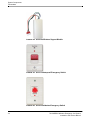
Install call stations into permanently located back boxes (if flush mounted), or
install the wall-mounted back boxes.
Tek-CARE500 Wireless Emergency Call System
Installation and Service Manual
109