1
System Setup, Programming Using the LS501 Event Monitor
Add Residents and Assign Them to Locations
•
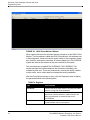
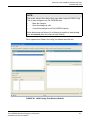
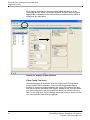
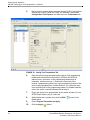
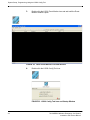
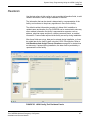
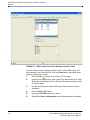
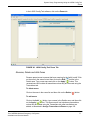
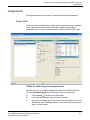
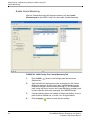
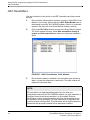
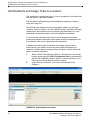
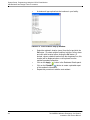
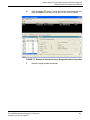
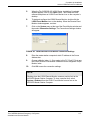
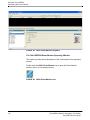
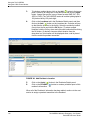
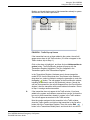
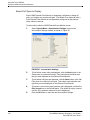
A window will pop up that lists the locations in your facility.
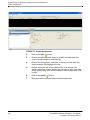
FIGURE 70. Add Locations Pop Up Window
•
•
•
•
96
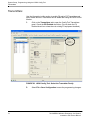
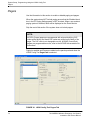
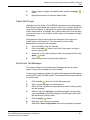
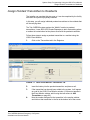
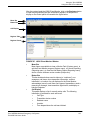
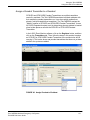
Select the resident's location (room) from the list and click the
OK button. (To select multiple locations, hold the Ctrl key down
and click each location before clicking the OK button.) If
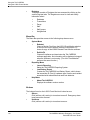
desired, choose a default location from the drop-down box; this
location will be displayed when a call is placed from the
resident's pendant transmitter.
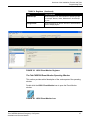
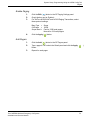
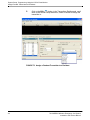
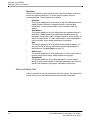
Click on the Apply ( ) button in the Residents-Details panel.
Click on the Printable ( ) button to create a printable report
of this resident’s information.
Repeat this procedure to add the next resident.
Tek-CARE500 Wireless Emergency Call System
Installation and Service Manual