1
Overview of the Installation Process and Tools
Programming Tools
Programming Tools
The LS500 Config Tool and the LS501 Event Monitor are used to set up and
use the Tek-CARE500. These software tools come from the factory
pre-installed on the NC501ES Master Station Computer.
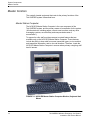
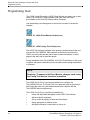
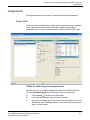
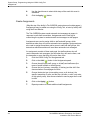
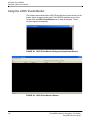
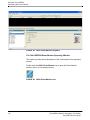
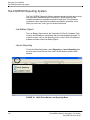
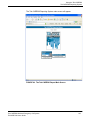
Use the desktop icons that appear on the monitor’s screen to access the
software.
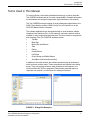
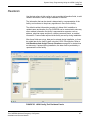
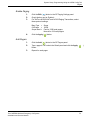
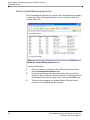
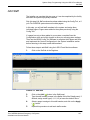
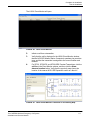
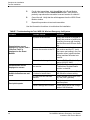
FIGURE 35. LS501 Event Monitor Desktop Icon
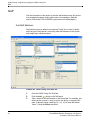
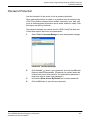
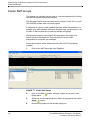
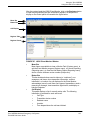
FIGURE 36. LS500 Config Tool Desktop Icon
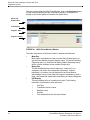
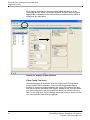
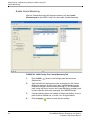
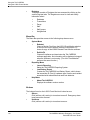
The LS501 Event Monitor software is the primary interface between the enduser and the Tek-CARE500. Staff members at the facility will access the
LS501 to monitor calls that are placed from wireless transmitters, to send
pages to the staff, and to generate reports.
During installation of the Tek-CARE500, the LS501 Event Monitor is also used
to capture transmitter information (device numbers) and to assign transmitters
to locations.
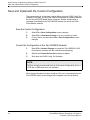
NOTE:
Reminder: To appear in the Event Monitor, changes made using
the Config Tool must be saved and committed.
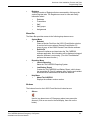
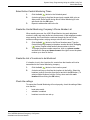
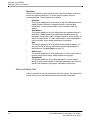
The LS500 Config Tool is used during installation to configure the
Tek-CARE500 for use. The Config Tool is not generally used by the facility’s
staff unless that user is a system administrator who is familiar with the
Tek-CARE500 and its requirements.
The LS500 Config Tool is used during installation to:
•
Create the data fields that appear in the LS501 Event Monitor
•
Add and identify equipment
•
Set up zones for paging, locators and transmitters
•
Assign equipment to defined zones
•
Add staff information, create check-in times, etc.
34
Tek-CARE500 Wireless Emergency Call System
Installation and Service Manual