1
Configuring the Lightbar
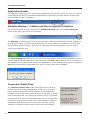
Linking Buttons to Slide Switch Positions (Lightbar Pane)
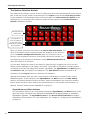
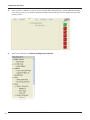
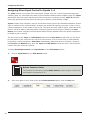
Buttons 1 to 5 and Buttons 14 and 15 can be programmed to activate when the operator puts the
slide switch into a position linked to one or more of these buttons. This feature enables the operator to
turn functions on and off without changing the position of the slide switch. Linking a button also extends
the number of assignable functions available to a slide switch button with the additional 10 functions of
the linked button.
To link a button for activation by a slide switch position:
1.
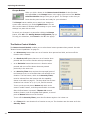
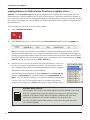
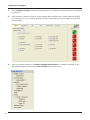
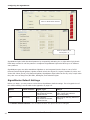
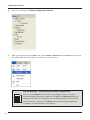
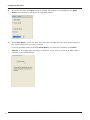
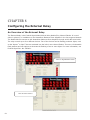
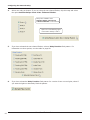
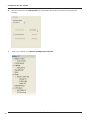
Click a Slide Switch Button.
2.
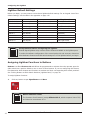
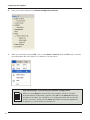
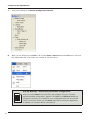
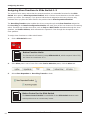
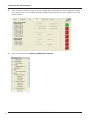
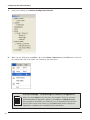
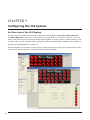
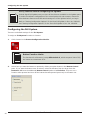
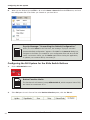
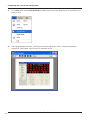
If the lightbar pane is not in front of the other Device Selection panes, click the Lightbar tab.
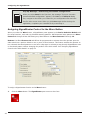
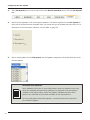
Note: The Button Control Module is unavailable for assignment because each position acts as a
momentary switch that turns on and off devices assigned to them. To program the slide switch to
operate as a progressive switch, assign the same functions from the previous slide switch position
to the next position, then add new functions. Up to ten functions can be assigned directly to Slide
Switch 1 and 2, and up to twenty to Slide Switch 3.
3.
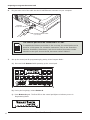
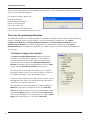
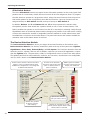
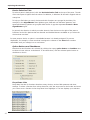
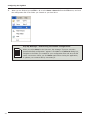
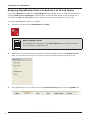
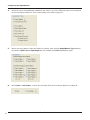
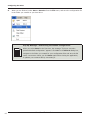
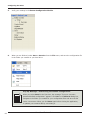
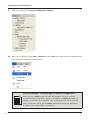
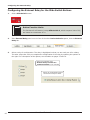
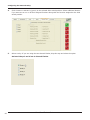
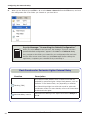
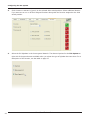
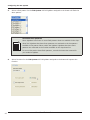
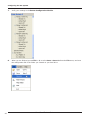
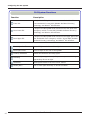
Click the arrow next to the drop-down list of 30 flash patterns. Move your
cursor over a pattern to highlight and select it. The SmartSiren Platinum
Siren Amplifier mimics the corresponding flash pattern number available in
the lightbar model on the Convergence Network.
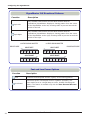
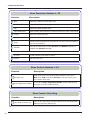
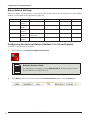
The flash patterns are classified as either Lightbar for the Slide Switch
buttons or Intersection for all other buttons except SignalMaster and
Warn. They are the same patterns; the different classification emphasizes
how they are used. The intersection pattern is typically a high activity
pattern that is assigned to a Timer button with an eight second duration.
Available flash patterns
TE
O
N
Some lightbars have fewer or more flash patterns than are available in the dropdown list. Lightbars that have fewer patterns are restricted to the last pattern
available in the pattern library within the lightbar. Lightbars that have more
patterns are restricted to the number available in the drop-down list.
For more information about flash patterns, consult the instruction manual for
your model of lightbar.
39
SmartSiren Platinum Series