1
100
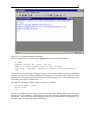
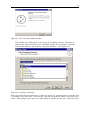
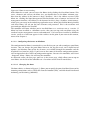
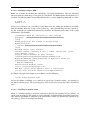
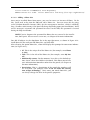
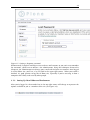
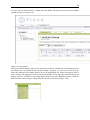
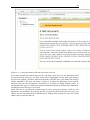
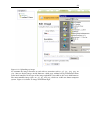
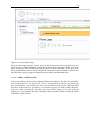
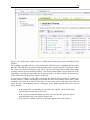
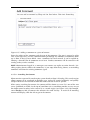
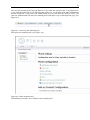
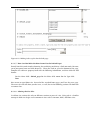
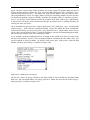
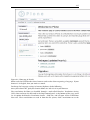
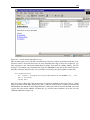
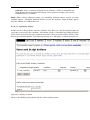
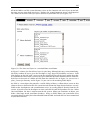
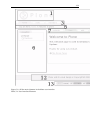
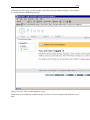
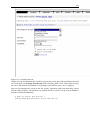
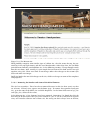
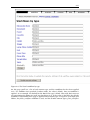
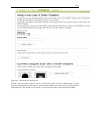
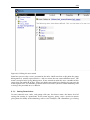
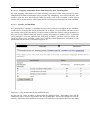
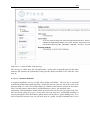
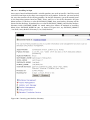
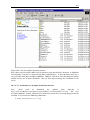
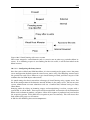
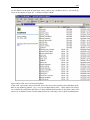
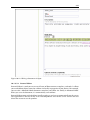
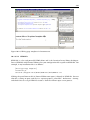
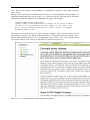
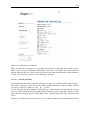
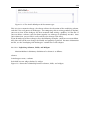
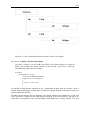
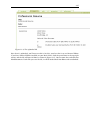
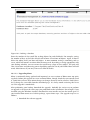
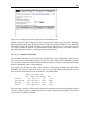
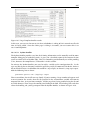
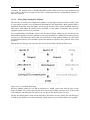
Figure 4-23. The Canadian Plone logo
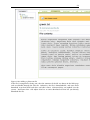
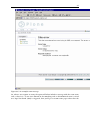
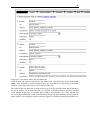
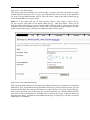
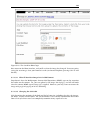
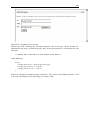
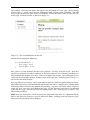
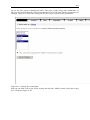
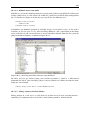
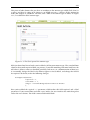
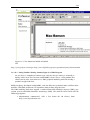
Now return to the Plone interface, and you’ll see that the image has changed. To ensure you’re
seeing the new image, clear your browser’s cache (on Internet Explorer, pressing Ctrl+F5 will
do this).
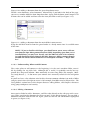
4.1.3.9.3 What If Your New Image Isn’t in JPG Format?
Zope doesn’t base the Multipurpose Internet Mail Extensions (MIME) type on the extension
but rather on the content. So, you can upload a GIF image into logo.jpg, and it’ll still work
since the correct MIME type of image/gif is applied. However, you may want to rename the
image to logo.gif or logo.png to be less confusing.
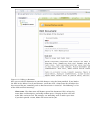
4.1.3.9.4 Changing the CSS Code
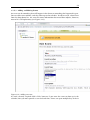
CSS determines the majority of the look and feel of your site, including the tabs, the images,
the boxes, and the overall layout. The fact that Plone’s CSS is totally customizable means that
from a few style sheets users can completely customize many aspects of a site.