1
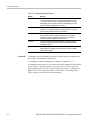
Commands Listed in Alphabetical Order
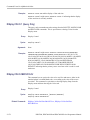
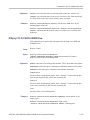
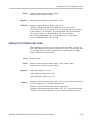
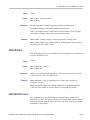
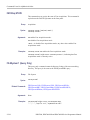
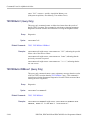
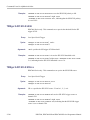
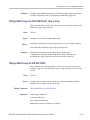
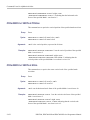
TRIGger:{A|B}:LOGIc:STATE:WHEn
This command sets or queries the condition for generating an A or B logic state
trigger. This command is equivalent to selecting Logic State from the Trig menu
and choosing the desired condition from the Trigger When Pattern drop-down list.
Group
Trigger
Syntax
TRIGger:{A|B}:LOGIc:STATE:WHEn {TRUe|FALSe}
TRIGger:{A|B}:LOGIc:STATE:WHEn?
Related Commands
Arguments
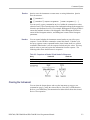
TRIGger:{A|B}:LOGIc:INPut:CH<x>, TRIGger:{A|B}:LOGIc:STATE:INPut:
CH<x>
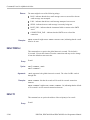
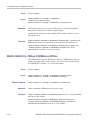
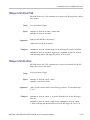
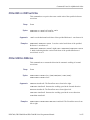
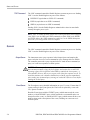
TRUe specifies that the trigger occurs when the clock transition on channel 4
occurs and the pattern of channels 1-3 are at the desired logic input states.
FALSe specifies that the trigger occurs when the desired clock transition on
channel 4 occurs and the desired logic input states on channels 1-3 are not found.
Examples
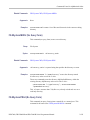
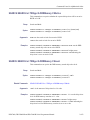
TRIGGER:A:LOGIC:STATE:WHEN TRUE specifies that the logic condition to
trigger upon is true.
TRIGGER:A:LOGIC:STATE:WHEN? might return
:TRIGGER:A:LOGIC:STATE:WHEN FALSE, indicating that the logic condition to
trigger upon is false.
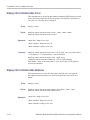
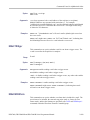
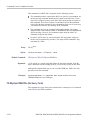
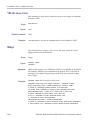
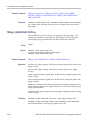
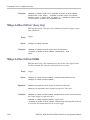
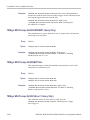
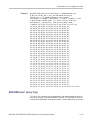
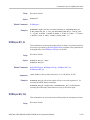
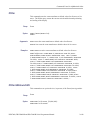
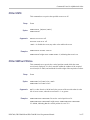
TRIGger:{A|B}:LOGIc:THReshold? (Query Only)
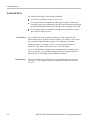
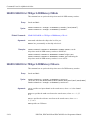
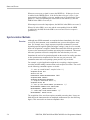
This query-only command returns the threshold voltage for all channels in a logic
trigger. This command query is equivalent to selecting Event Trigger Setup from
the Trig menu, choosing a logic trigger type, such as State or Pattern, and viewing
the current Input Threshold voltage settings.
Group
Trigger
Syntax
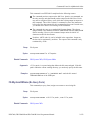
TRIGger:{A|B}:LOGIc:THReshold?
Related Commands
2-518
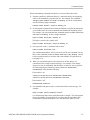
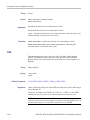
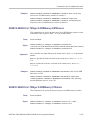
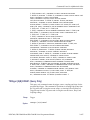
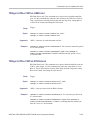
TRIGger:{A|B}:LOGIc:THReshold:CH<x>, TRIGger:{A|B}:LOGIc:INPut?,
TRIGger:{A|B}:LOGIc:INPut:CH<x>
DPO7000, DPO70000/B and DSA7000/B Series Programmer Manual