1
WO R K I N G W I T H WI N P V
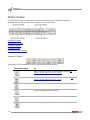
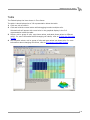
WinPV Toolbar
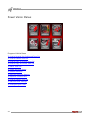
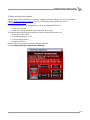
PowerVision Toolbar
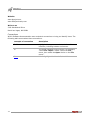
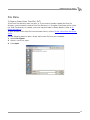
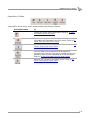
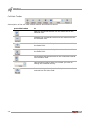
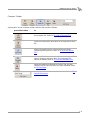
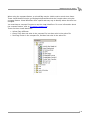
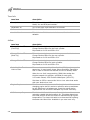
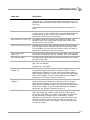
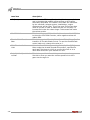
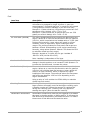
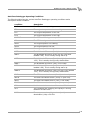
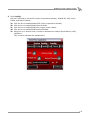
A description of the Power Vision toolbar buttons and functions follows.
press this button
to
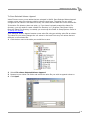
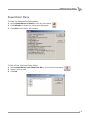
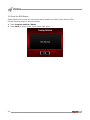
Display the Power Vision information. Refer to To View
the PowerVision Information.
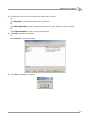
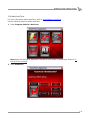
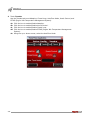
Retrieve a tune from the Power Vision. The tune
information will be shown in the Tune Items. Refer to To
Get a Tune from the Power Vision.
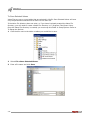
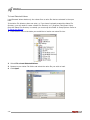
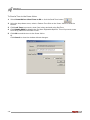
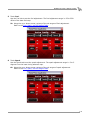
Sends the current tune to the Power Vision. Refer to To
Send a Tune to the Power Vision.
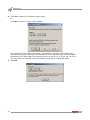
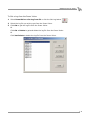
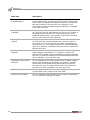
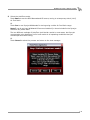
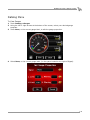
Get ECM Data is for diagnostic and development
purposes only. The files may not be needed and are not
generally useful unless requested by technical support.
Refer to To Get ECM Data from the Power Vision.
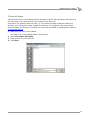
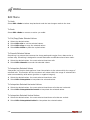
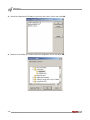
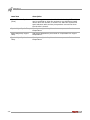
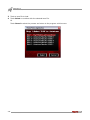
Retrieve the log files on the Power Vision. Refer to To
Get a Log from the Power Vision.
Version 7
WinPV User Guide
3-35