1
IND690-Base
Additional functions
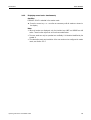
4.18.1
Initiate
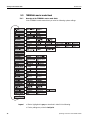
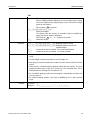
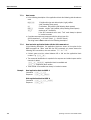
➜ Press INFO, ALIBI key sequence.
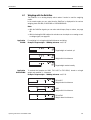
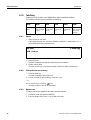
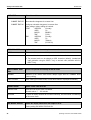
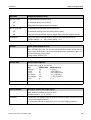
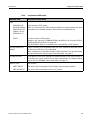
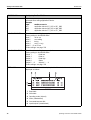
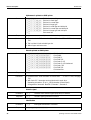
The function keys change to the following assignment:
4.18.2
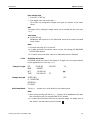
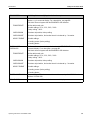
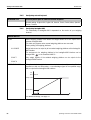
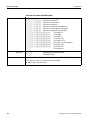
FIND
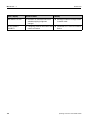
>>...
PRINT
-> Num
END
Enter search
criteria
Search for
next
matching
data record
starting with
oldest
Print
displayed
data record
Search for
data record
with known
data record
number
Exit Info Alibi
and return to
normal mode
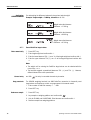
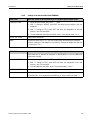
Fast search with entry of data record number
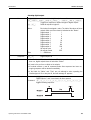
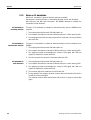
1. Press ->Num key.
2. Enter number of data record to be searched for and confirm with
AlibiMemory-690 now searches for the desired data record.
.
Notes
• The search may take up to 10 seconds.
• If no data record with the entered number is found, the message NO MATCHING
DATA RECORD appears.
4.18.3
Search with other search criteria
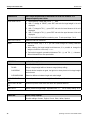
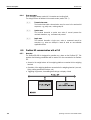
➜ Press FIND key.
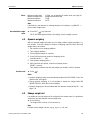
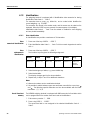
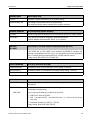
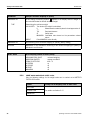
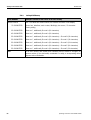
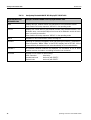
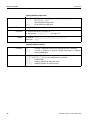
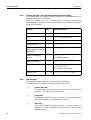
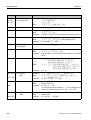
The function keys are given the following assignment:
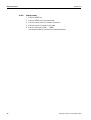
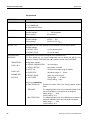
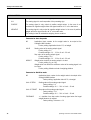
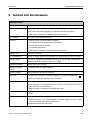
DATE
TIME
NET
TARE
START
END
Enter
date as
search
criterion
Enter
time as
search
criterion
Enter net
value as
search
criterion
Enter
tare value as
search
criterion
Start search
with entered
search
criteria
Terminate
search
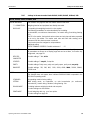
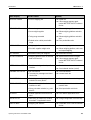
All offered search criteria can be combined with each other.
The entered search criteria are shown in the display in clear text.
This enables you to search for a find a specific weighing.
Enter date
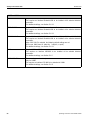
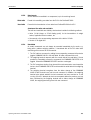
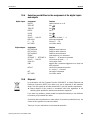
➜ Press DATE key and enter complete date in DD.MM.YY form.
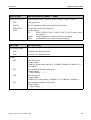
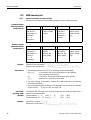
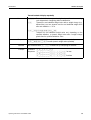
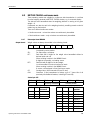
Enter time
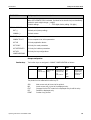
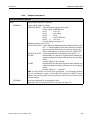
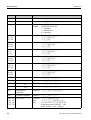
➜ Press TIME key and enter desired time in one of following formats.
Format HH
all weighings between HH.00.00 and HH.59.59 are found
Format HH.MM
all weighings between HH.MM.00 and HH.MM.59 are found
Format HH.MM.SS only the weighing at the time HH.MM.SS is found
30
Operating instructions 22012808F 07/09