1
MENU OPERATION
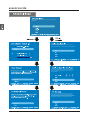
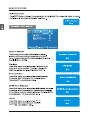
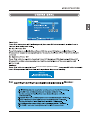
Note: If you forget your password, you can use “1470” to enter any menu locked.
Change Password
Old PIN
English
New PIN(N/A)
Confirm(N/A)
ENTER
:Return
DIGITAL
:Password
Source Lock
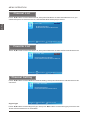
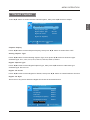
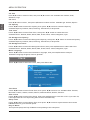
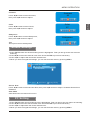
Press ▼/▲ button to select Source Lock, then press OK button to enter the sub menu.
Press ▼/▲ button to select Source, then press OK button to set the Source Lock .
You can’t enter the locked source if you set the Source lock.
Page1/2
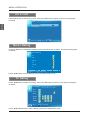
Source Lock
TV
AV
YPbPr1
YPbPr2
HDMI1
HDMI2
HDMI3
MENU
:Return
:Select
:Page
ENTER
:On/Off
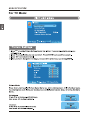
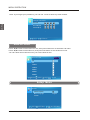
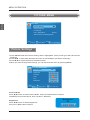
Setup Menu
SETUP
Closed Caption
Menu Language
English
CLOCK
MENU
28
:Return
:Select Menu
ENTER
:Go to Next Menu