1
Page: 91
Service Guide - OKIPAGE 8c
Chapter 6 Troubleshooting Procedures
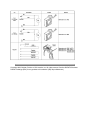
6.5.2 LCD message troubleshooting
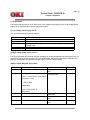
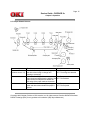
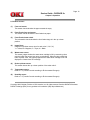
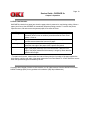
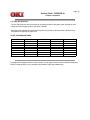
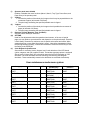
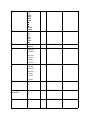
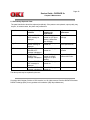
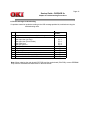
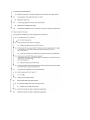
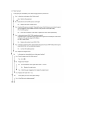
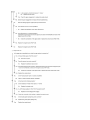
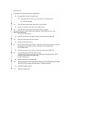
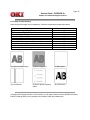
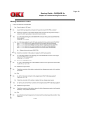
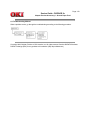
If a problem cannot be repaired according to the LCD message problem list, troubleshoot using the
troubleshooting chart.
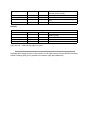
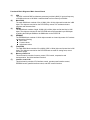
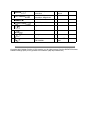
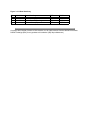
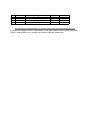
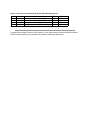
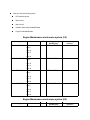
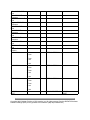
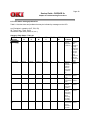
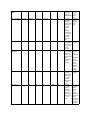
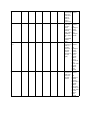
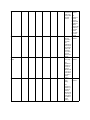
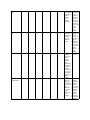
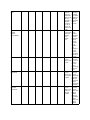
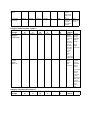
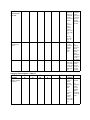
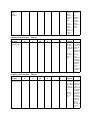
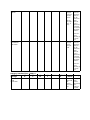
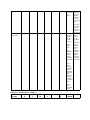
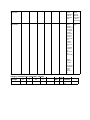
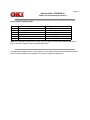
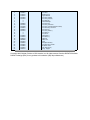
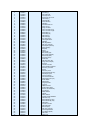
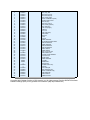
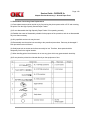
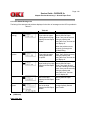
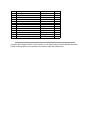
No.
1
2
3
4
5
6
7
8
Trouble
The printer does not work normally after being turned on.
JAM Error
Paper Input Jam (1st Tray)
Paper Input Jam (Front Feeder)
Paper Feed Jam
Paper Exit Jam 2-4
Paper Size Error
Image Drum
Fusing Unit Error
Fan Motor Error
Cannot receive data from parallel interface
Cannot receive data from OKI HSP interface
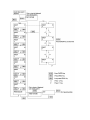
Flowchart
Number
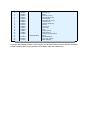
(1)
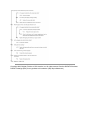
(2) -1
(2) -2
(2) -3
(2) -4
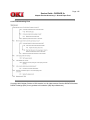
(3)
(4)
(5)
(6)
(7)
(8)
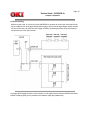
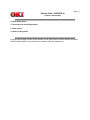
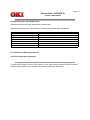
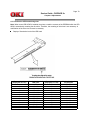
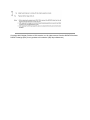
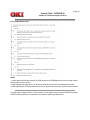
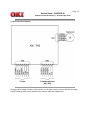
Note: When replacing the main board (PCR PCB) and the engine board (PX4 PCB), remove EEPROM
chips from the old boards and install them on the new boards.