1
SiE 00-07
2.5
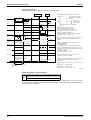
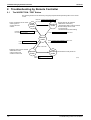
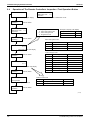
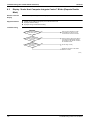
Troubleshooting by Remote Controller
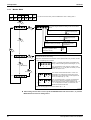
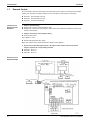
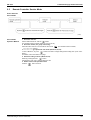
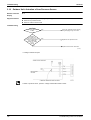
Remote Controller Service Mode
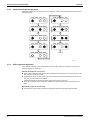
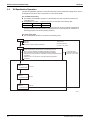
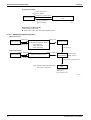
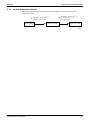
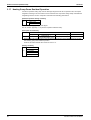
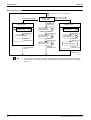
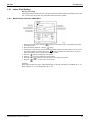
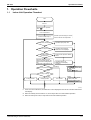
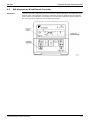
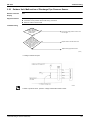
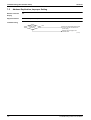
How to Enter the
Service Mode
Service Mode
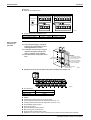
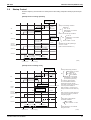
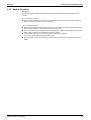
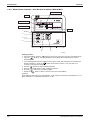
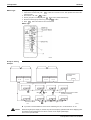
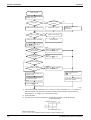
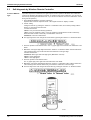
Operation Method
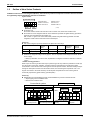
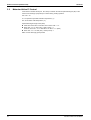
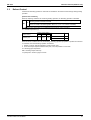
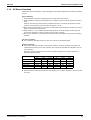
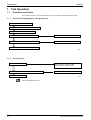
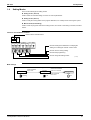
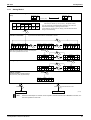
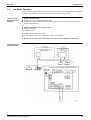
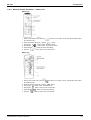
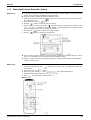
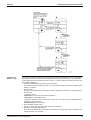
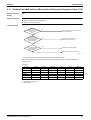
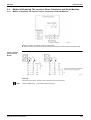
1. Select the mode No.
Set the desired mode No. with the
button.
(For wireless remote controller, Mode 43 only can be set.)
2. Select the unit No. (For group control only)
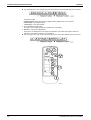
Select the indoor unit No. to be set with the time mode
. (For wireless remote controller,
button.)
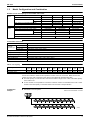
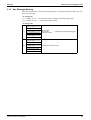
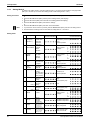
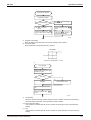
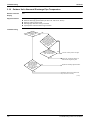
3. Make the settings required for each mode. (Modes 41, 44, 45)
In case of Mode 44, 45, push
button to be able to change setting before setting work. (LCD “code”
blinks.)
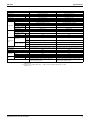
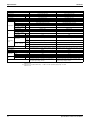
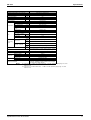
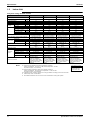
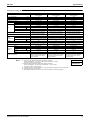
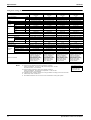
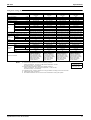
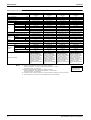
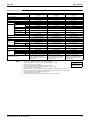
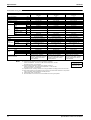
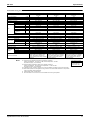
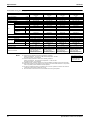
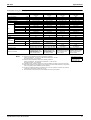
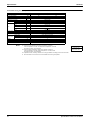
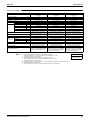
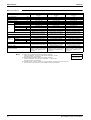
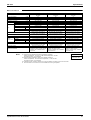
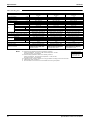
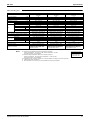
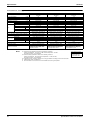
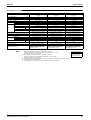
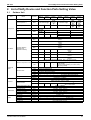
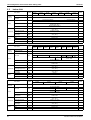
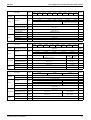
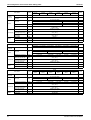
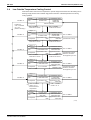
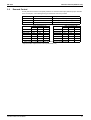
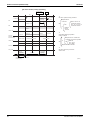
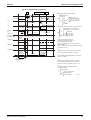
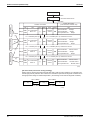
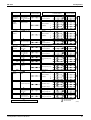
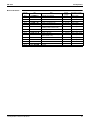
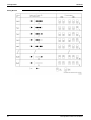
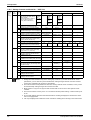
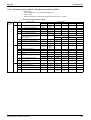
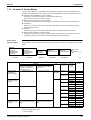
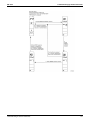
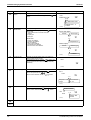
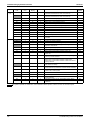
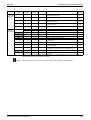
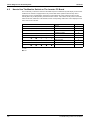
For details, refer to the table in next page.
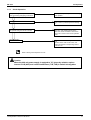
4. Define the setting contents. (Modes 44, 45)
Define by pushing the timer
button.
After defining, LCD “code” changes blinking to ON.
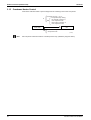
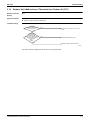
5. Return to the normal operation mode.
Push the
button one time.
Troubleshooting R-407C PLUS Series
123