1
6. Other
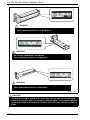
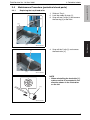
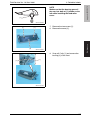
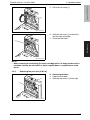
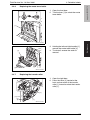
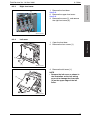
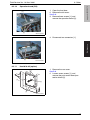
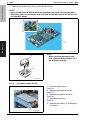
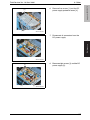
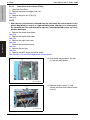
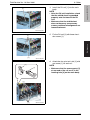
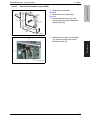
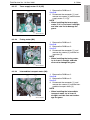
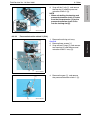
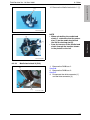
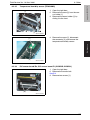
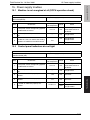
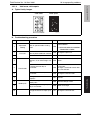
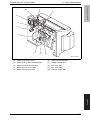
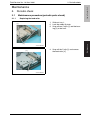
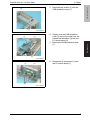
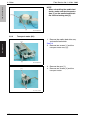
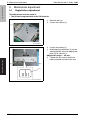
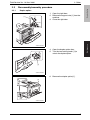
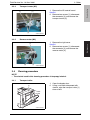
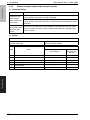
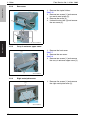
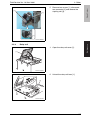
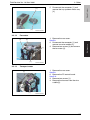
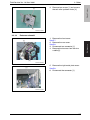
6. Remove five screws [1] and the DC
power supply protective cover [2].
[2]
[1]
magicolor 5550/5570
Field Service Ver. 1.0 Nov. 2006
A011F2C031DA
Maintenance
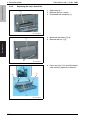
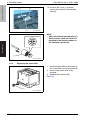
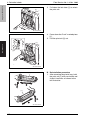
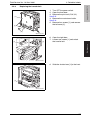
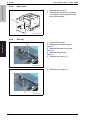
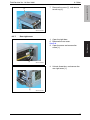
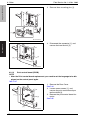
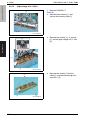
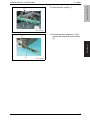
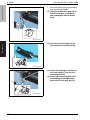
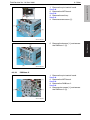
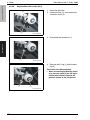
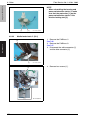
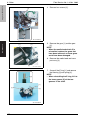
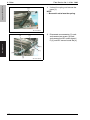
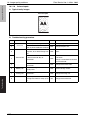
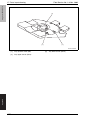
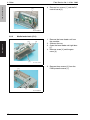
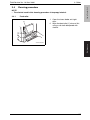
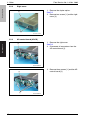
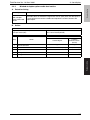
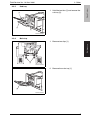
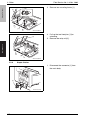
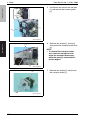
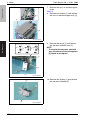
7. Disconnect all connectors from the
DC power supply.
A011F2C032DA
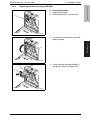
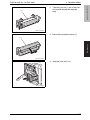
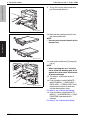
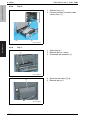
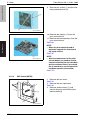
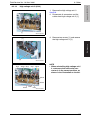
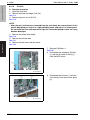
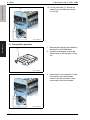
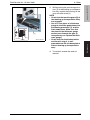
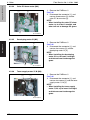
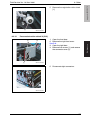
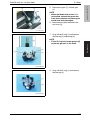
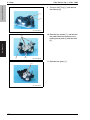
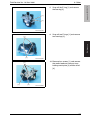
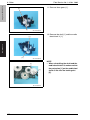
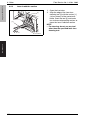
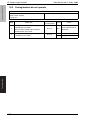
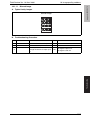
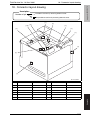
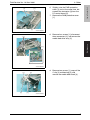
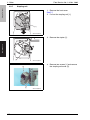
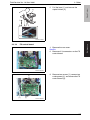
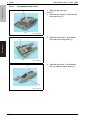
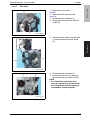
8. Remove eight screws [1] and the DC
power supply [2].
[1]
[2]
[1]
A011F2C033DA
53