1
magicolor 5550/5570
9. Menu
Field Service Ver. 1.0 Nov. 2006
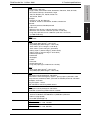
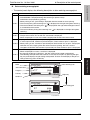
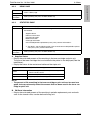
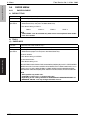
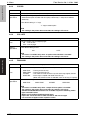
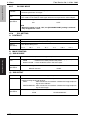
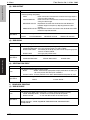
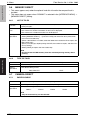
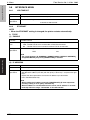
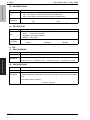
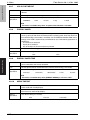
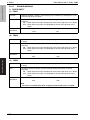
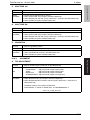
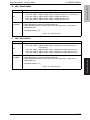
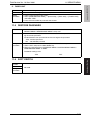
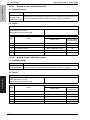
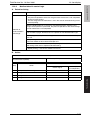
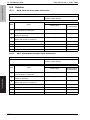
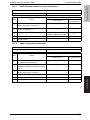
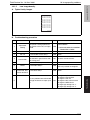
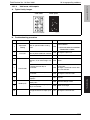
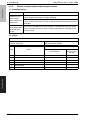
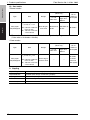
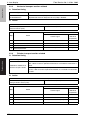
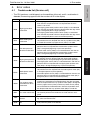
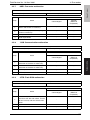
B. NETWARE
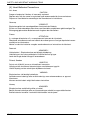
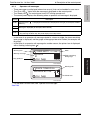
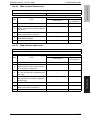
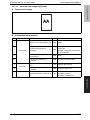
(1) ENABLE
Function
• Enables NetWare.
Use
• To specify that the printer is connected to a NetWare network.
YES : Enable NetWare. Printing can be done via NetWare.
No : Disable NetWare. Printing cannot be done via NetWare.
Setting
/procedure
• The default setting is YES.
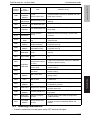
“YES”
“NO”
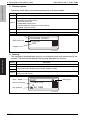
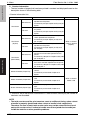
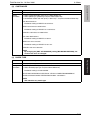
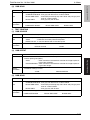
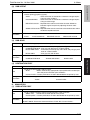
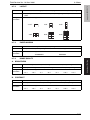
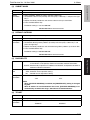
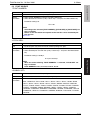
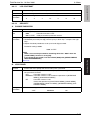
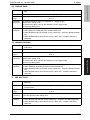
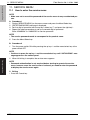
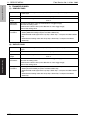
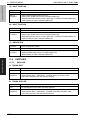
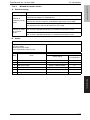
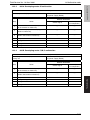
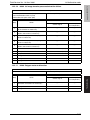
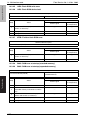
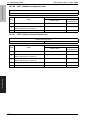
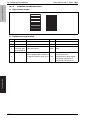
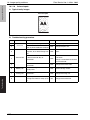
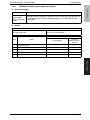
C. APPLETALK
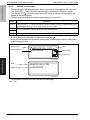
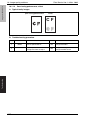
(1) ENABLE
Function
• Enables AppleTalk.
Use
• To specify that the printer is connected to an AppleTalk network.
YES : Enable AppleTalk. Printing can be done via AppleTalk.
No : Disable Apple Talk. Printing cannot be done via AppleTalk.
Setting
/procedure
• The default setting is YES.
“YES”
NO
Adjustment / Setting
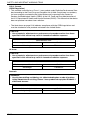
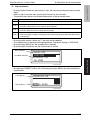
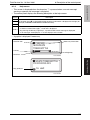
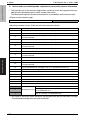
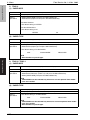
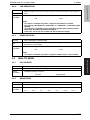
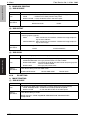
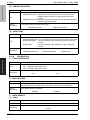
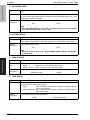
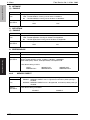
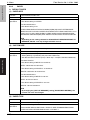
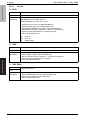
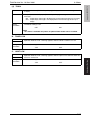
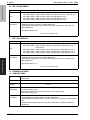
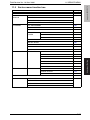
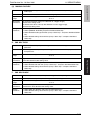
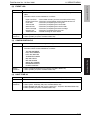
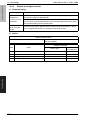
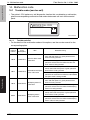
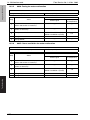
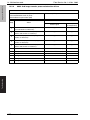
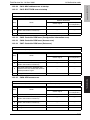
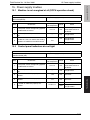
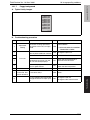
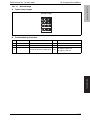
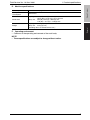
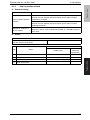
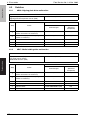
D. SPEED/DUPLEX
Function
• Sets the communication speed and method of network.
Use
• To set the network communication speed and method.
Setting
/procedure
• Setting items
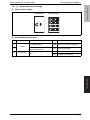
Network speed (SPEED): AUTO, 10 Mbps, 100 Mbps, 1,000 Mbps
Duplex mode (DUP): AUTO, full-duplex mode, half-duplex mode
• The default setting is AUTO.
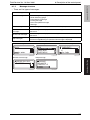
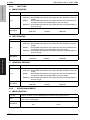
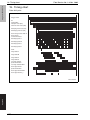
“AUTO”
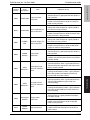
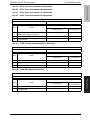
100BASE FULL
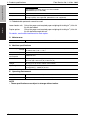
9.8.3
Function
Use
Setting
/procedure
136
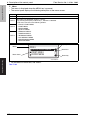
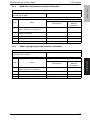
10BASE FULL
100BASE HALF
10BASE HALF
1000BASE FULL
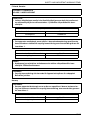
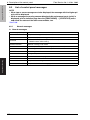
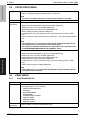
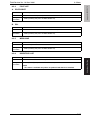
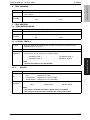
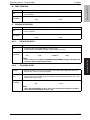
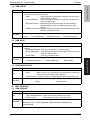
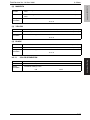
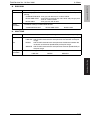
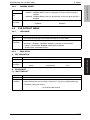
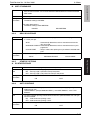
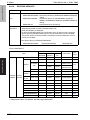
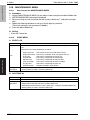
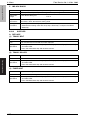
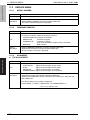
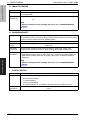
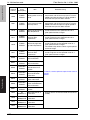
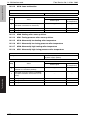
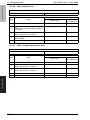
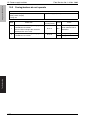
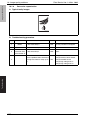
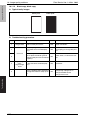
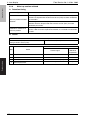
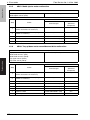
MEMORY DIRECT
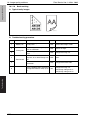
• Select whether to enable or disable memory direct printing.
ENABLE : MEMORY DIRECT menu is appeared, and memory direct printing is
enabled.
DISABLE : MEMORY DIRECT menu is disappeared, and memory direct printing is
disabled.
• The default setting is ENABLE.
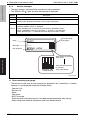
“ENABLE”
DISABLE