1
11.3.4
11. SERVICE MENU
DIAGNOSIS MENU
A. PRINT MENU
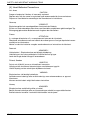
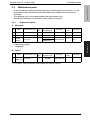
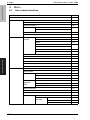
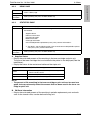
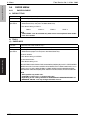
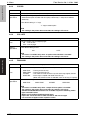
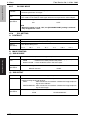
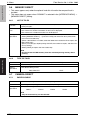
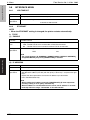
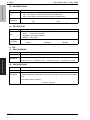
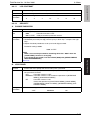
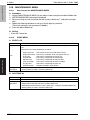
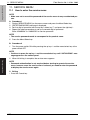
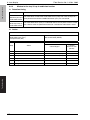
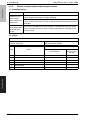
(1) MAINTENANCE INFO
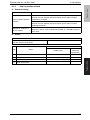
Functions
• To produce an output of a list of setting values, adjustment values, total counter values, and others.
Use
• To check the maintenance information.
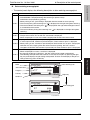
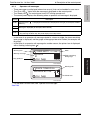
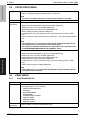
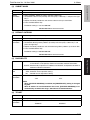
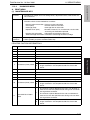
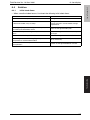
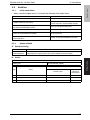
The items which can be checked are as follows.
magicolor 5550/5570
Field Service Ver. 1.0 Nov. 2006
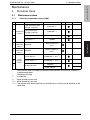
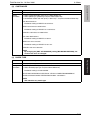
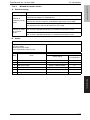
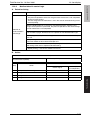
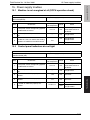
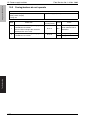
Device Caution Information : Process caution information
Count (total)
: Counter value for each color
Coverage (total)
: Coverage rate for each color
Replace count (total)
: Number of times IU, TC, transfer belt, transfer roller,
and fusing unit have been replaced.
Imaging Unit Information : Information concerning the print unit
Toner Cartridge Information: Information concerning the toner cartridge
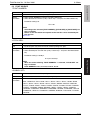
Setting/
Procedure
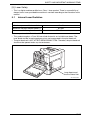
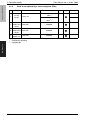
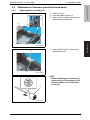
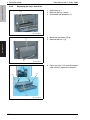
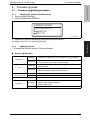
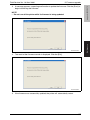
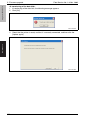
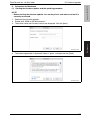
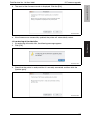
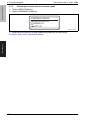
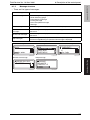
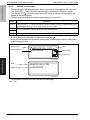
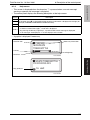
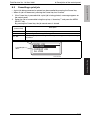
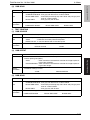
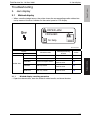
1. Select [MAINTENANCE INFO] and press the Menu/Select key.
2. Select [PRINT] and press the Menu/Select key.
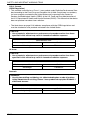
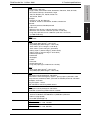
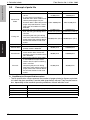
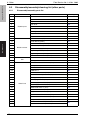
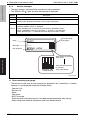
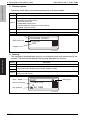
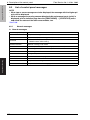
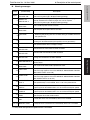
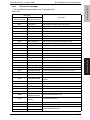
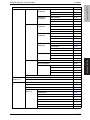
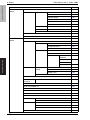
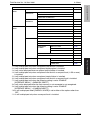
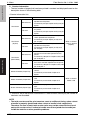
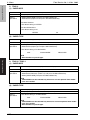
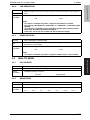
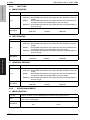
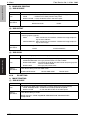
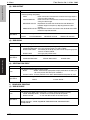
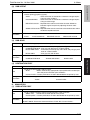
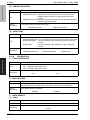
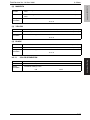
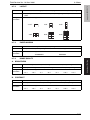
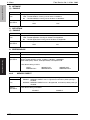
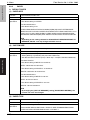
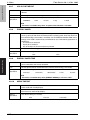
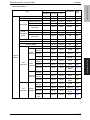
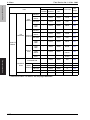
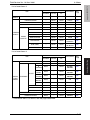
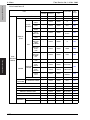
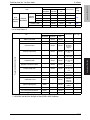
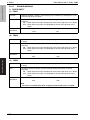
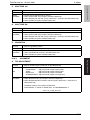
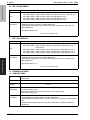
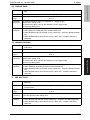
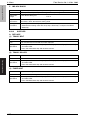
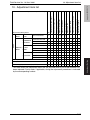
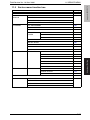
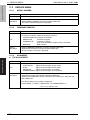
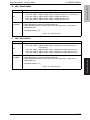
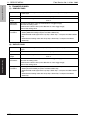
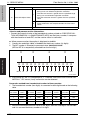
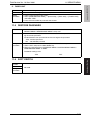
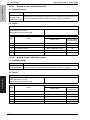
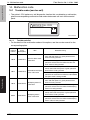
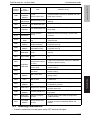
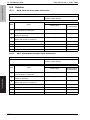
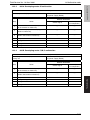
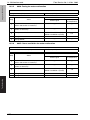
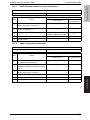
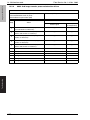
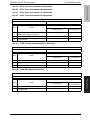
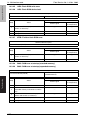
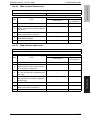
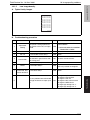
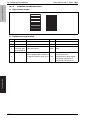
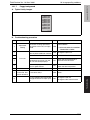
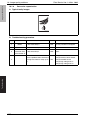
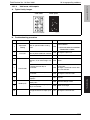
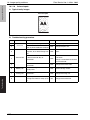
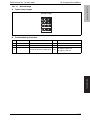
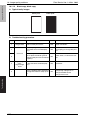
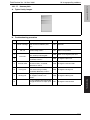
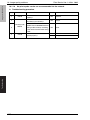
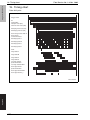
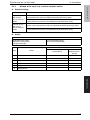
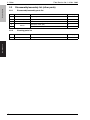
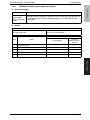
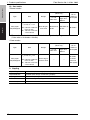
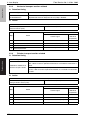
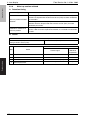
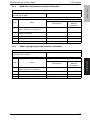
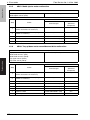
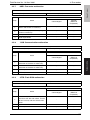
PROCESS CAUTION INFORMATION 1
BIT
Item
Description
0
⎯
⎯
1
⎯
⎯
2
⎯
⎯
3
⎯
⎯
4
⎯
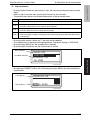
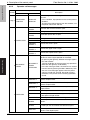
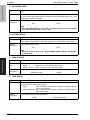
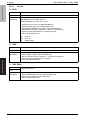
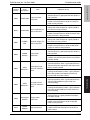
• IDC sensor output values are out of the specified range.
0
• Front door open/close, power switch OFF/ON, and normal
image stabilization are complete besides the ones listed
above.
5
IDC Sensor (Front) failure
6
⎯
⎯
7
⎯
⎯
8
⎯
⎯
9
⎯
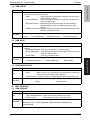
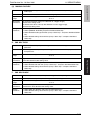
10
11
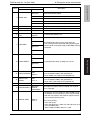
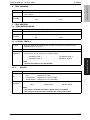
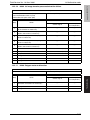
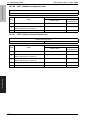
IDC Sensor (Back) failure
⎯
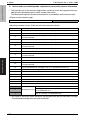
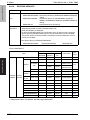
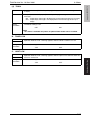
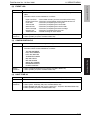
1
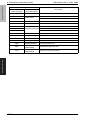
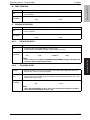
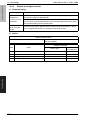
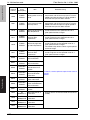
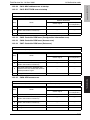
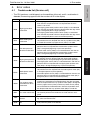
• IDC sensor output values are out of the specified range.
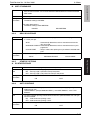
0
• Front door open/close, power switch OFF/ON, and normal
image stabilization are complete besides the ones listed
above.
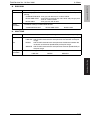
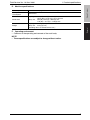
1
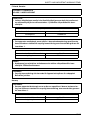
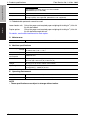
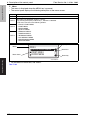
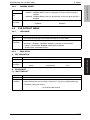
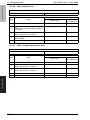
• The number of points detected in the main scan direction is
more or less than the specified value during main scan direction registration correction.
• The number of points detected in the sub scan direction is
more or less than the specified value during sub scan direction registration correction.
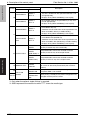
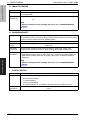
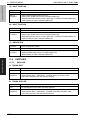
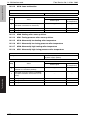
0
• Front door open/close, power switch OFF/ON, and normal
image stabilization are complete besides the ones listed
above.
Color Shift Test Pattern
failure
167
Adjustment / Setting
⎯
1