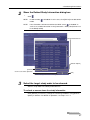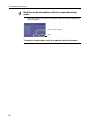
1
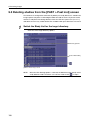
5 Reviewing Images
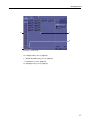
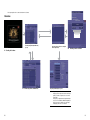
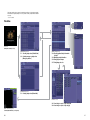
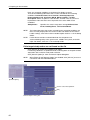
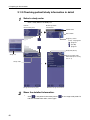
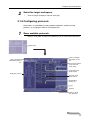
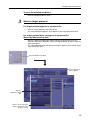
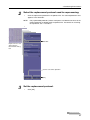
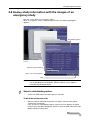
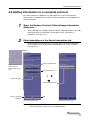
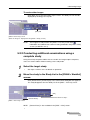
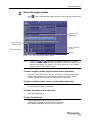
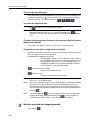
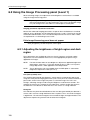
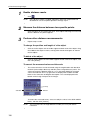
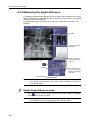
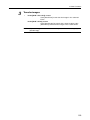
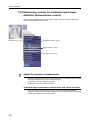
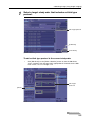
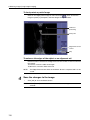
To specify the target data volume to be deleted
(for the Local DB option only)
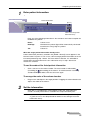
Enter a value in the reduction target text box. If the amount of deleted data does
not reach the target amount, an alert will appear.
NOTE:
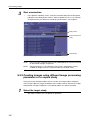
3
The reduction target text box and [Delete] are available only when the user
who has the Security Administrations privilege logs in to the Software. For
details, consult your service engineer.
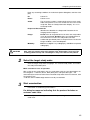
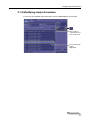
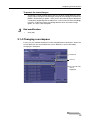
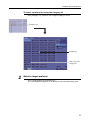
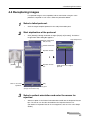
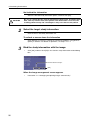
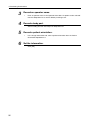
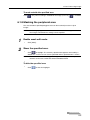
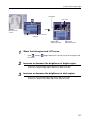
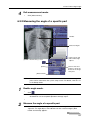
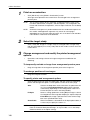
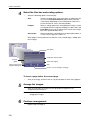
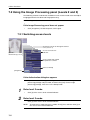
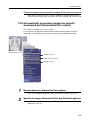
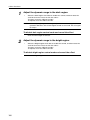
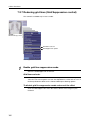
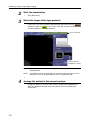
Delete the target studies.
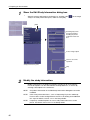
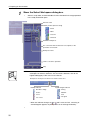
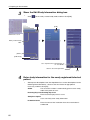
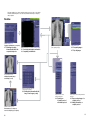
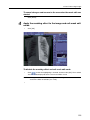
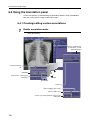
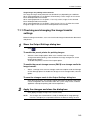
Click [Delete], and then click [OK] in the Warning dialog box that appears.
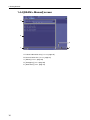
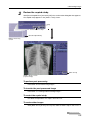
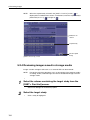
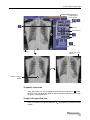
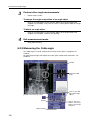
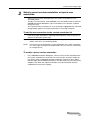
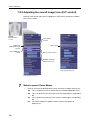
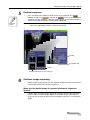
Select to delete studies during transfer.
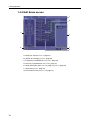
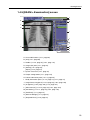
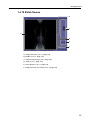
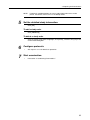
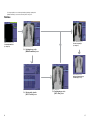
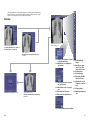
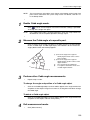
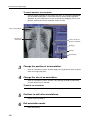
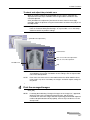
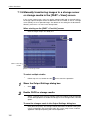
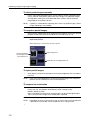
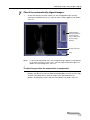
Warning dialog box when the target
capacity is not specified
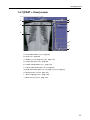
Warning dialog box when the target
capacity is specified
108