1
66
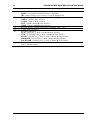
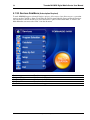
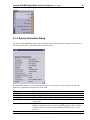
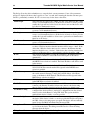
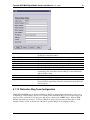
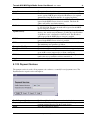
Device Name
Firmware version
Configuration Version
User Role
Current Time
Uptime
Tornado M10/M20 Digital Media Center User Manual
This is the system name of the device.
This is the firmware version currently installed on the device.
This is the configuration version of the device. The version is only updated
upon remote configuration via the auto provisioning functionality.
This is the role of the currently logged user. There are two roles that are
supported: “user” and “admin”. The “admin” account can modify every
device parameter, while the “user” account can only modify small set of
parameters to allow the normal device operation.
Shows the current time.
Shows the time since the last reboot.
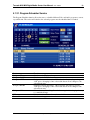
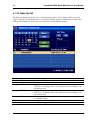
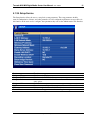
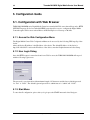
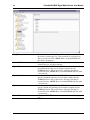
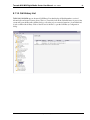
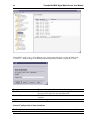
To go to the screens that allow actual data entry the user must use the left navigation menu. Once clicked
the option opens the appropriate right dialog that allows data entry. All user sessions will be timed out after
10 minutes inactivity to allow high level of security. The “user” and the “admin” views of the system are
different so if one user logs in using the “admin” account, he/she will see much different data dialogs.
These data dialogs are explained in detail below.
Note:
This manual contains web settings operational guidelines for
both Admin and User roles. If logged with the User account,
you will notice some sections of the menu or parts of dialog
boxes are missing, this is because the User privileges are
limited to partial access.
SysMaster Corporation