1
GE HEALTHCARERAFT
DIRECTION 5394227, REVISION 3
DRAFT (NOVEMBER 17, 2011)
LOGIQ™ S8
SERVICE MANUAL
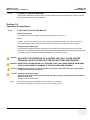
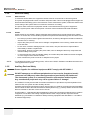
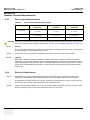
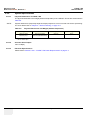
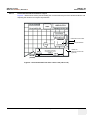
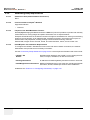
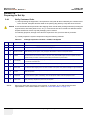
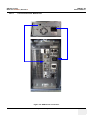
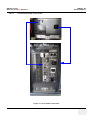
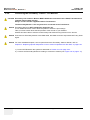
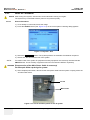
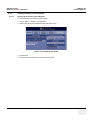
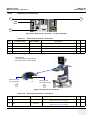
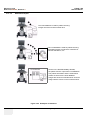
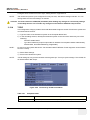
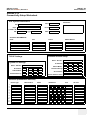
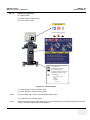
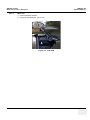
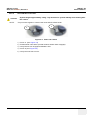
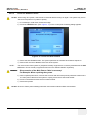
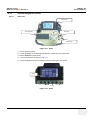
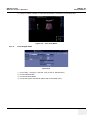
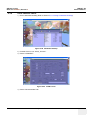
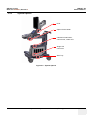
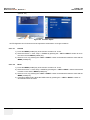
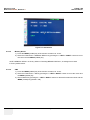
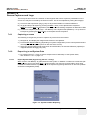
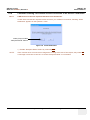
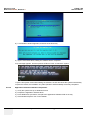
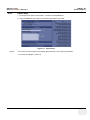
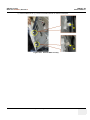
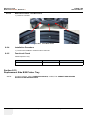
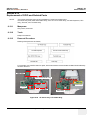
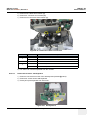
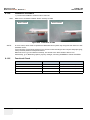
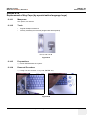
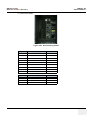
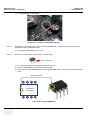
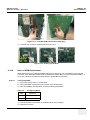
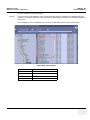
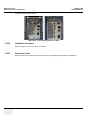
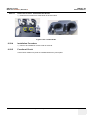
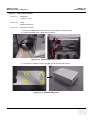
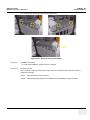
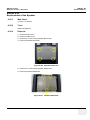
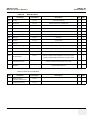
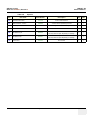
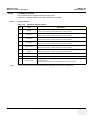
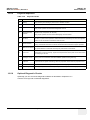
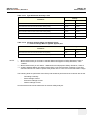
Figure 6-5 Information
6-3-2-3
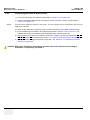
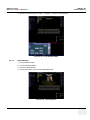
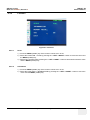
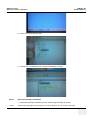
Memory Recall
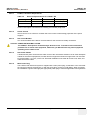
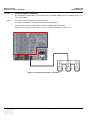
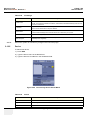
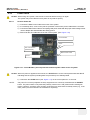
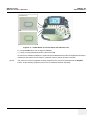
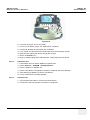
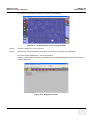
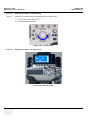
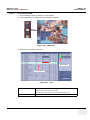
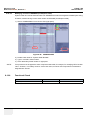
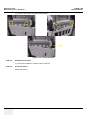
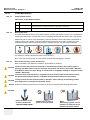
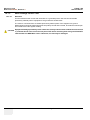
1.) Press the MENU (middle) key of the monitor controls over 10 sec.
2.) Select the FUNCTION -> MEMORY RECALL by pressing the < LEFT or RIGHT > button to move
the cursor and the MENU (middle) key.
NOTE: MEMORY RECALL is Factory default. If selecting MEMORY RECALL, all settings will be back
to factory default status.
6-3-2-4
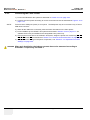
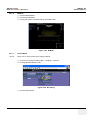
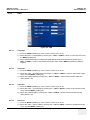
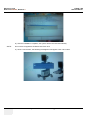
SBC
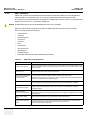
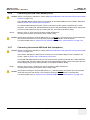
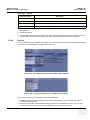
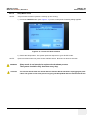
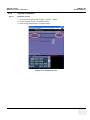
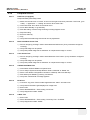
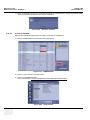
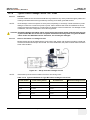
1.) Press the MENU (middle) key of the monitor controls over 10 sec.
2.) Select the FUNCTION -> SBC by pressing the < LEFT or RIGHT > button to move the cursor and
the MENU (middle) key.
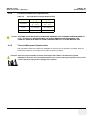
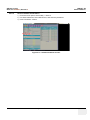
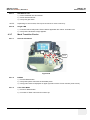
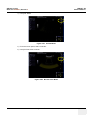
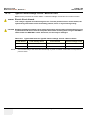
3.) Select ON/OFF by pressing the < LEFT or RIGHT > button to decrease/increase the value and the
MENU (middle) key.(Default : ON)
6-6
Section 6-3 - LCD Monitor Adjustment