1
Audio System
Audio Mode Menus
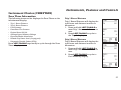
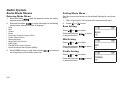
Bluetooth Setup Menu
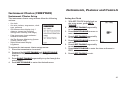
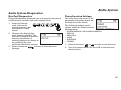
Driver Headset Pairing
Incoming phone calls cannot be answered if driver headset
is not connected. Press and release
or
to send
the calls to voice mail.
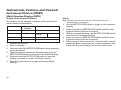
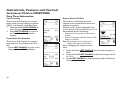
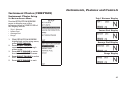
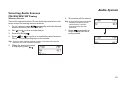
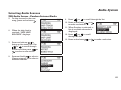
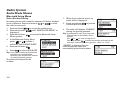
1. Press and hold
to access the audio menu.
2. Press and release
until “BLUETOOTH SETUP” is
displayed.
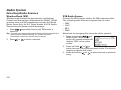
3. Press and release
to access the Bluetooth Setup
Menu options.
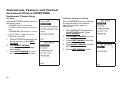
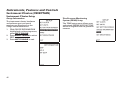
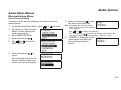
4. In the Bluetooth Setup Menu,
press
or
to make a
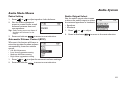
selection. Select DRIVE H-SET.
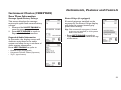
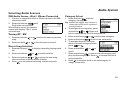
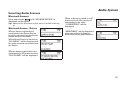
5. Press and release
.
6. Press
to select ADD H-SET.
Tip: Sena SMH10 motorcycle Bluetooth
headsets are recommended.
Reference the headset user manual
to enable Bluetooth pairing.
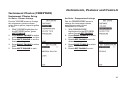
The radio will search for the
headset.
164
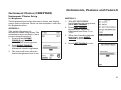
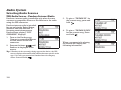
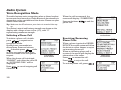
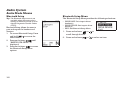
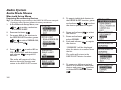
7. When the headset is found, its
name will be displayed.
8. Press and release
to pair the
headset with the radio.
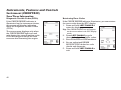
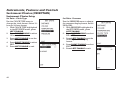
9. The radio will display “PAIRING”
during the pairing process.
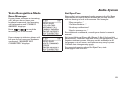
Tip: If prompted to enter a pairing code,
find the code in the headset user’s
manual.
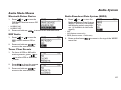
Use
or
to enter the digits 0-9.
Press and release
to enter the number and move to the
next digit. Default codes are typically: “0000” or “1234”.
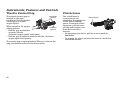
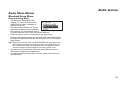
“PAIRED” is displayed on the
screen when the radio has
successfully paired the headset.