1
57
Chapter 3 How to use control panel
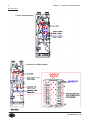
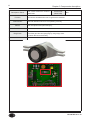
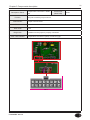
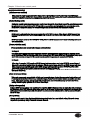
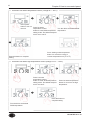
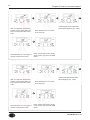
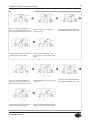
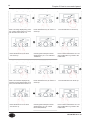
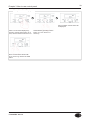
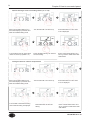
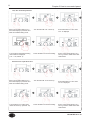
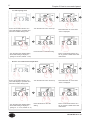
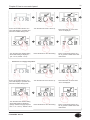
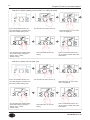
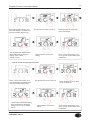
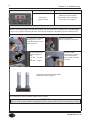
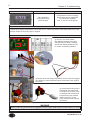
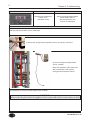
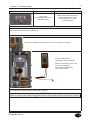
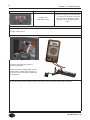
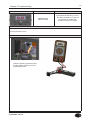
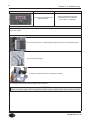
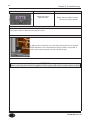
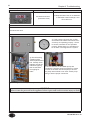
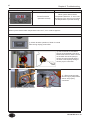
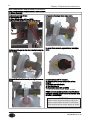
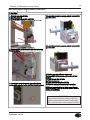
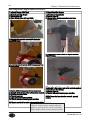
CH anti-cycling time
Press ‘current status button’ for 5
secs while display is powered off to
enter into installer setting mode.
Turn the dial to the desired setting
when initial setting is displayed.
(Range: 0~20 min, Default : 1 min)
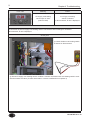
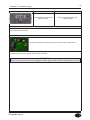
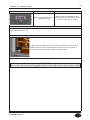
Turn the dial until ‘13:Ft’ shows up.
Press dial button to save the setting.
Press dial button for a sec when
‘13:Ft’ is displayed.
Press ‘current status button’ for a
sec to go back to initial status after
confirmation.
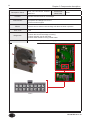
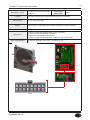
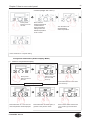
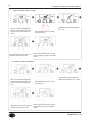
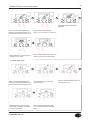
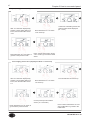
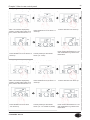
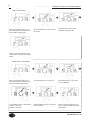
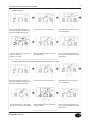
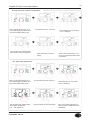
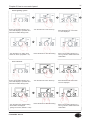
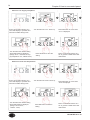
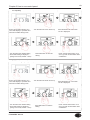
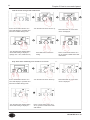
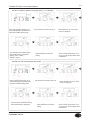
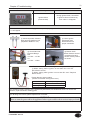
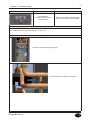
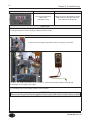
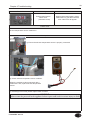
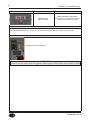
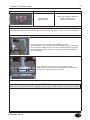
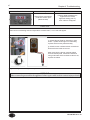
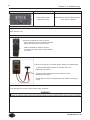
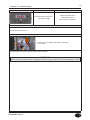
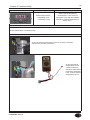
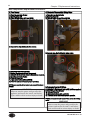
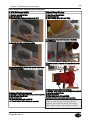
Burner 'ON' differential temperature
Press ‘current status button’ for 5
secs while display is powered off to
enter into installer setting mode.
Turn the dial to the desired setting
when initial setting is displayed.
(Range: 9 ℉ ~ 27℉, Default: 27 ℉)
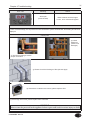
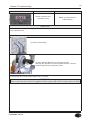
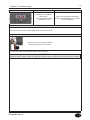
Turn the dial until ‘14:bo’ shows up.
Press dial button for a sec when
‘14:bo’ is displayed.
Press dial button to save the
setting. Press ‘current status button’ for a
sec to go back to initial status after
confirmation.
LP-528 REV. 8.01.14