1
Saving time with features 283
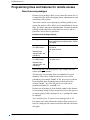
Programming memory keys
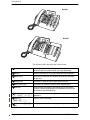
You can programme a feature code to a memory key. When this
guide tells you to enter a feature code, you can press the memory
key as a shortcut. In some cases, pressing the key a second time
cancels the feature.
Any memory key not programmed as an external or internal
target line, intercom, Answer key, or Handsfree key is available
for programming features.
You can erase a memory key; however, you cannot erase Answer,
Handsfree, Intercom, or line keys.
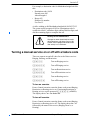
You cannot programme the following feature codes to a memory
key:
• Long tones for signalling remote devices (see ‘Setting Long
tones’ on page 298)
•
Any code beginning with • except ≤•fi‚⁄
(Language Choice), ≤•‡ (Contrast Adjustment), and
≤•fi¤‚ to ≤•fi‹fi (SWCA keys).
When you programme a key with the line pool feature code, you
must enter a line pool access code after the feature code. The
programmed line pool key accesses a specific line pool, not the
line pool feature.
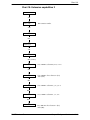
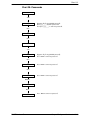
Programming a memory key
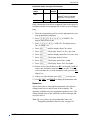
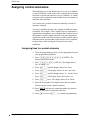
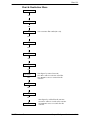
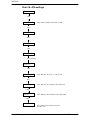
1. Press ≤•‹.
2. Press the key you want to programme with a feature.
This step is not necessary on the T7100 or M7100N
telephones, which have only one memory key.
3. Enter the feature code you want to assign to the key.
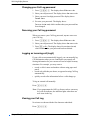
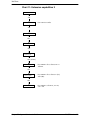
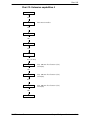
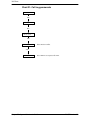
Erasing a key
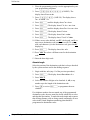
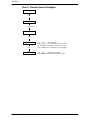
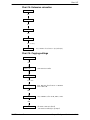
1. Press ≤•⁄.
2. Press the feature key.
3. Press ≥ or OK to erase the key.
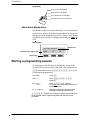
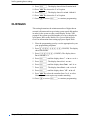
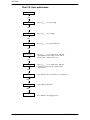
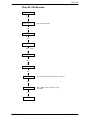
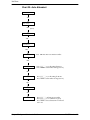
Displays
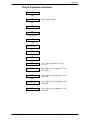
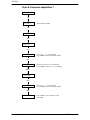
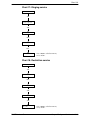
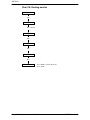
<Feature name>
SHOW OK
P0607114 Issue 01
The name of the feature assigned to a key
is displayed when you press the key. SHOW
appears when there is more information
available. Press £ or SHOW for additional
information.
Compact Plus System Administration Guide