1
USING THE SET TOP BOX
5.Recording and Timeshiftting
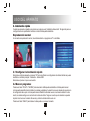
For using the recording or Timeshift function, a USB Pendrive or an external HDD is needed.
The Recording / Timeshift time will depend on the capacity of the connected device.
Note: Use an external AC power adaptor when using an external HDD. If not the DVBT may not
connect with the external HDD as it needs its own Power to function.
5.1 Recording
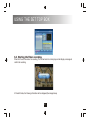
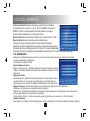
Under Normal Playback mode, press Menu and select "My Recorder" to enter the Multimedia folder.
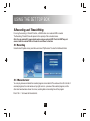
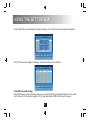
5.1.1Recorded List
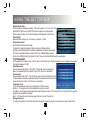
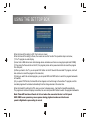
You can play, browse and delete the recorded programs in recorded list.The window on the left is the list of
recorded programs, the small window on top right corner is a preview of the selected program, and the
other small window below shows the name, recording date and recording time of the program.
Press“ CH +/ -” to browse the Recorded List.
16