1
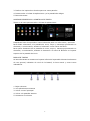
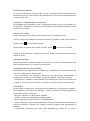
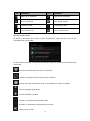
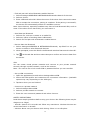
Icon
Definition
Icon
Definition
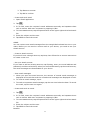
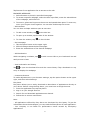
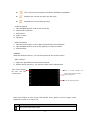
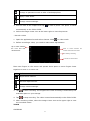
Open Wi-Fi available
Flight mode activated
Wi-Fi connected
Music being played
Uploading data
Downloading data
Connected to PC
Battery power level
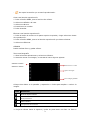
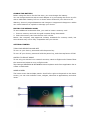
NOTIFICATION PANEL
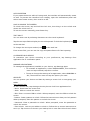
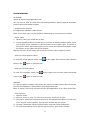
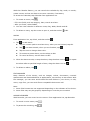
To show a pull-down list of the recent notifications, drag the left area of the
notification bar downward.
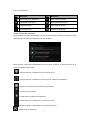
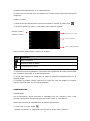
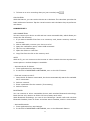
To show a pull-down list of the shortcut settings, drag the right area of the status bar
downward.
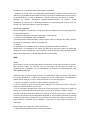
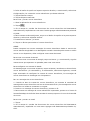
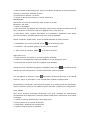
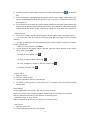
:Activate or deactivate the Wi-Fi connection.
:Activate or deactivate the auto rotation feature.
:Adjust the basic brightness level of the display to lighter or darker.
:Access Settings application.
:Check the battery status.
:Activate or deactivate the flight mode.
:Activate or deactivate the Bluetooth function.
:Capture the screen.
23