1
1
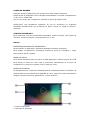
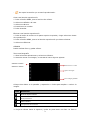
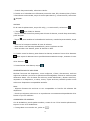
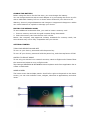
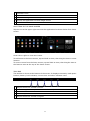
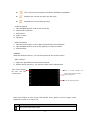
Indicator icons
2
Open the search bar
3
Scroll left or right to the other panels
4
Access the application list and widget screen
5
Task bar
ADD ITEMS TO THE HOME SCREEN
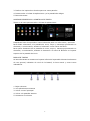
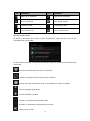
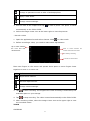
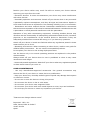
Tap the icon at the upper right to access the application list shown below from home
screen.
Scroll left or right to view more items.
To add items to the home screen, tap and hold an item, then drag the item to a new
location.
To remove items from the home screen, tap and hold an item, then drag the item to
the Remove area at the top of the home screen.
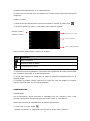
TASK BAR
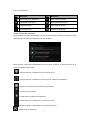
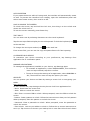
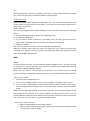
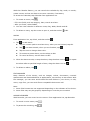
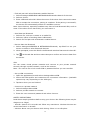
The task bar is shown at the bottom of the screen. It displays commonly used option
buttons, battery level indicator, current time and other indicator icons.
1
2
3
4
1
Adjust the device volume to lower.
2
View the applications you have accessed recently.
3
Return to home screen.
4
Return to previous screen.
5
Adjust the device volume to higher.
22
5