1
DVBTUSB2
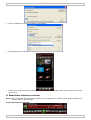
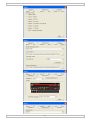
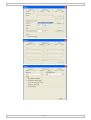
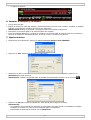
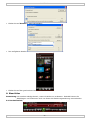
• Click on ‘Details’ to get more scanning information.
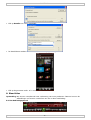
• Found channels are shown in the EPG (electronic Program Guide) screen.
• Click on one of the channels to listen to it (radio broadcasts) or play back the channel on the main
screen (TV).
8. BlazeVideo software overview
Note: due to constant product improvements, actual images and functions may slightly differ from
those shown in this manual.
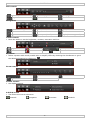
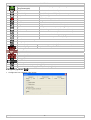
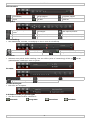
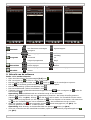
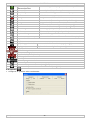
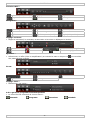
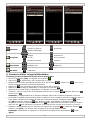
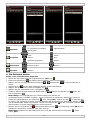
8.1 Control panel overview
29/09/2010
5
©Velleman nv