1
Sleep Timer
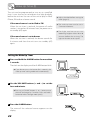
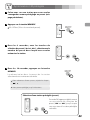
You can set the sleep timer so the unit turns itself to
standby (off) after a specified amount of time.
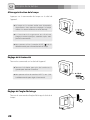
If the light is on when the set time is reached, it will dim
gradually over a few seconds.
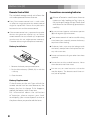
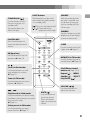
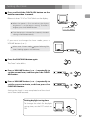
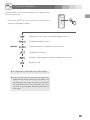
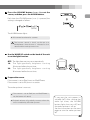
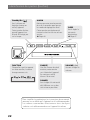
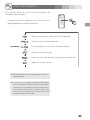
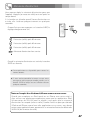
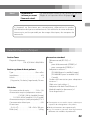
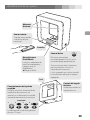
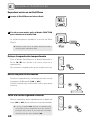
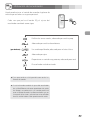
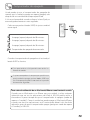
Each time the SLEEP button is pressed, the setting is
changed as follows:
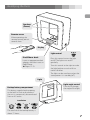
When the sleep timer is activated, the SLEEP button
lights.
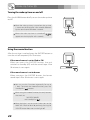
< This operation is available in every sound source.
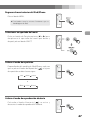
< If you want to check the time remaining until the
unit is switched to standby, press the SLEEP button
once. The remaining time will be displayed for a
few seconds.
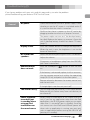
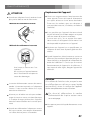
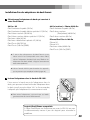
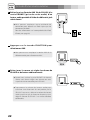
Note about using an iPod touch/iPhone as the sound source
When using an iPod touch or an iPhone with this unit, if you use any
application other than the iPod applications, the SR-LUXi power might turn
on again soon after the sleep timer turns it off (puts it in standby). Since the
unit cannot turn the iPod touch/iPhone power off when such an application
is running, you must quit such an application to make it possible for the sleep
timer to turn the SR-LUXi off (put it in standby).
21