1
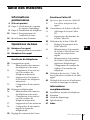
Table of contents
Getting Started
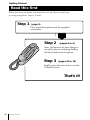
4 Read this first
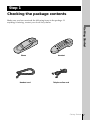
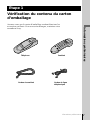
5 Step 1: Checking the package
contents
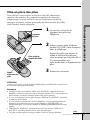
6 Step 2: Setting up the phone
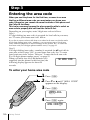
10 Step 3: Entering the area code
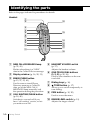
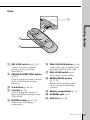
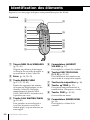
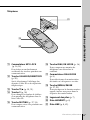
14 Identifying the parts
Basics
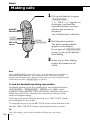
16 Making calls
17
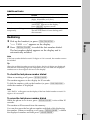
Redialing
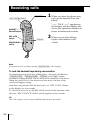
18 Receiving calls
Telephone Features
20 One-touch dialing
20
Storing phone numbers and
names
21
Changing a stored name
and/or phone number
23
Erasing a stored name and
phone number
23
Making calls with one-touch
dialing
24 Phone Directory
24
Storing phone numbers and
names
26
Changing a stored name
and/or phone number
27
Erasing the memory location
28
Making calls from the Phone
Directory
29 Contrast control of the display
Caller ID Features
30 Understanding the Caller ID
service
30
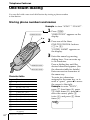
When you receive a call
31 Looking at the Caller ID list
31
Viewing the Caller ID list
33
Erasing data from the Caller
ID list
35 Using the Caller ID list
35
Calling back a number from
the Caller ID list
36
Storing a number of the
Caller ID list into one-touch
dial buttons
37
Storing a number of the
Caller ID list into Phone
Directory
38
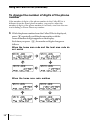
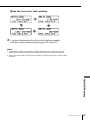
To change the number of
digits of the phone number
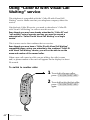
40 Using “Caller ID with Visual Call
Waiting” service
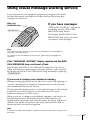
41 Using visual message waiting
service
US
Additional Information
42
43
44
46
47
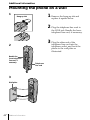
Mounting the phone on a wall
Maintenance
Troubleshooting
Specifications
Index
Table of contents
3US