1
Setting up your printer
Verifying your printer
firmware level
1
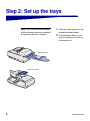
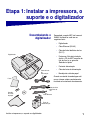
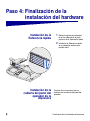
Set up the printer according to the
instructions in the documentation
shipped with your printer. This
includes setting up all bins and
trays, duplex hardware, and any
other options purchased.
2
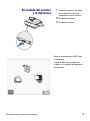
Before and during MFP setup,
unplug all power cords, fax and
phone cables, and network cables
from their outlets.
3
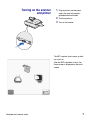
Following setup, you may plug all
equipment into properly grounded
outlets and turn them on.
To check the minimum firmware level
needed for your MFP to function:
1
2
3
Go to http://support.lexmark.com.
4
5
Click Go.
Select your country and language.
Under Multifunction Printers,
select X4500 MFP option.
Select X4500 Minimum
Requirements.
Verify that the firmware level listed
matches your printer firmware.
If they do not match, follow the
instructions on the Web site to upgrade
your firmware.
2
Set up your printer, stand, and scanner