1
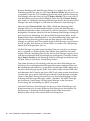
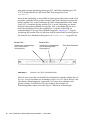
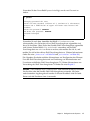
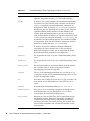
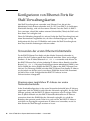
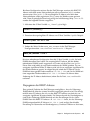
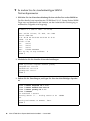
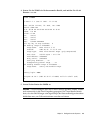
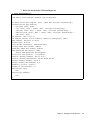
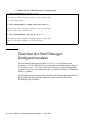
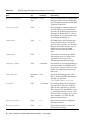
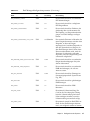
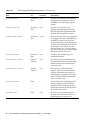
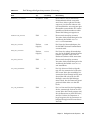
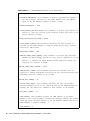
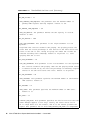
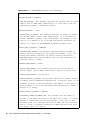
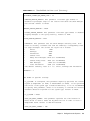
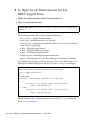
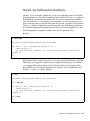
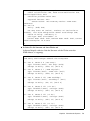
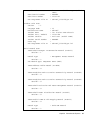
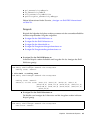
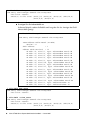
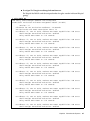
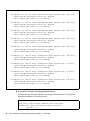
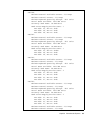
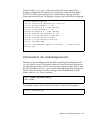
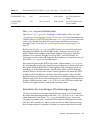
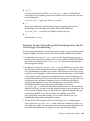
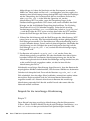
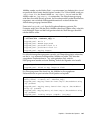
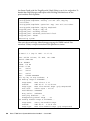
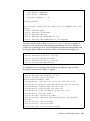
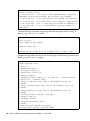
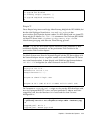
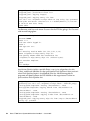
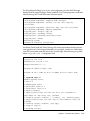
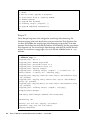
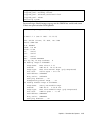
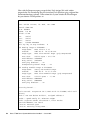
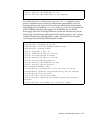
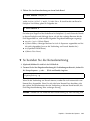
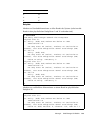
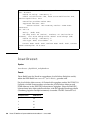
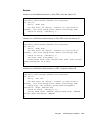
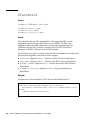
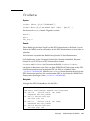
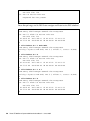
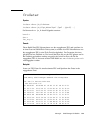
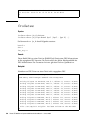
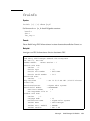
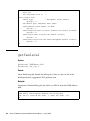
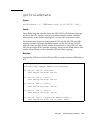
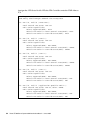
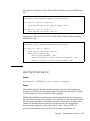
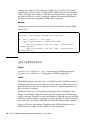
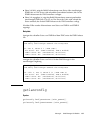
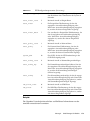
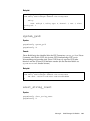
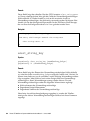
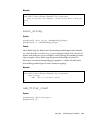
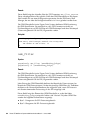
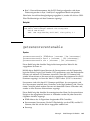
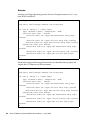
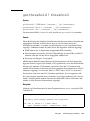
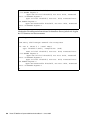
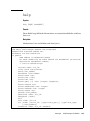
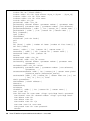
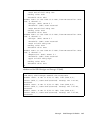
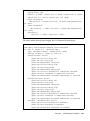
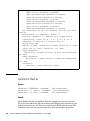
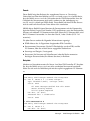
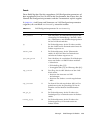
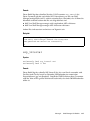
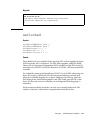
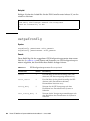
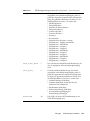
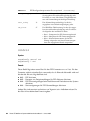
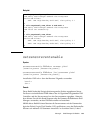
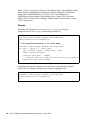
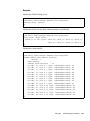
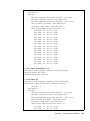
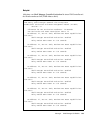
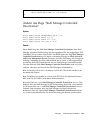
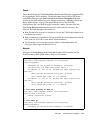
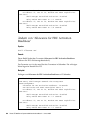
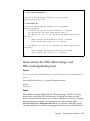
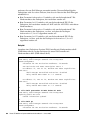
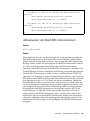
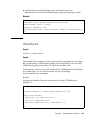
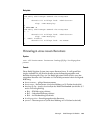
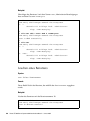
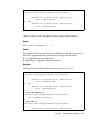
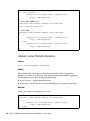
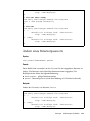
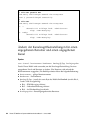
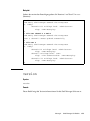
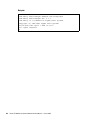
CODE EXAMPLE 2-1
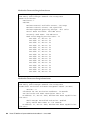
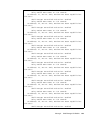
Standarddatei shelfman.conf (Fortsetzung)
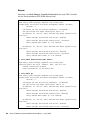
# WATCHDOG_ENABLED: This parameter of boolean type tells the Shelf Manager
# whether it should use the hardware watchdog timer supported by the CPLD or
# not. The default is TRUE.
#
WATCHDOG_ENABLED = TRUE
# REDUNDANCY_ENABLED: This parameter of boolean type tells Shelf Manager if
#
it should run in redundant mode or not. Default is TRUE.
#
REDUNDANCY_ENABLED = TRUE
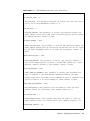
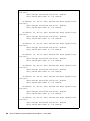
# REDUNDANCY_PORT: The parameter specifies the TCP port number used for
# inter-host communications by redundant instances of the Shelf Manager.
# Default is 1040.
#
REDUNDANCY_PORT = 1040
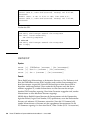
# REDUNDANCY_NET_ADAPTER: This parameter specifies the name of network
# adapter used for communication between redundant ShMMs. Default is eth0 if
# it does not conflict with RMCP_NET_ADAPTER.
#
REDUNDANCY_NET_ADAPTER = $IP1DEVICE
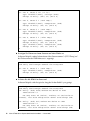
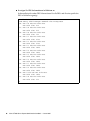
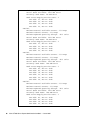
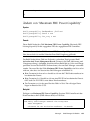
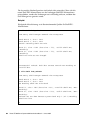
# REDUNDANCY_NET_ADAPTER2: This parameter specifies the name of the second
# network adapter used for communication between redundant ShMMs (if USB
# interface is used for redundancy). By default, this parameter is not
# defined.
#REDUNDANCY_NET_ADAPTER2 = “usb1”
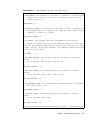
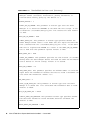
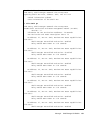
# REDUNDANT_IP_ADDRESS: This parameter specifies the IP address for network
# adapter used for redundant communications. This address actually provides
# a pair of IP addresses that differ in the least significant bit. They are
# assigned to redundant ShMs according to their hardware addresses, so they
# are equal on both ShMs. This parameter has no default value and must
# always be set.
#
REDUNDANT_IP_ADDRESS = $IP1ADDR
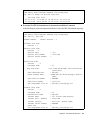
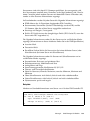
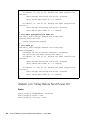
# REDUNDANCY_NETMASK: This parameter sets the network mask for the network
# adapter used for redundancy communications. Default is 255.255.255.0
#
# REDUNDANCY_NETMASK = 255.255.255.0
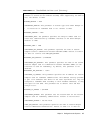
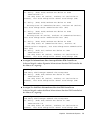
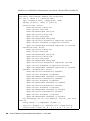
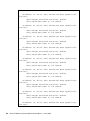
# RMCP_NET_ADAPTER: This parameter specifies the name of network adapter
# used for RMCP-based communications. Default is eth0:1 if it does not
Kapitel 2
Konfigurieren des Systems
47