1
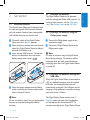
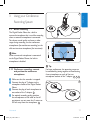
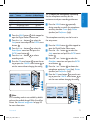
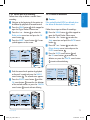
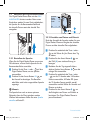
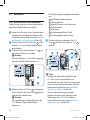
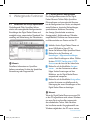
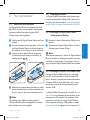
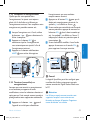
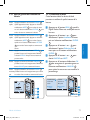
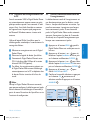
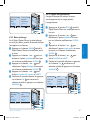
2.1 Install the batteries
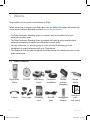
The Digital Pocket Memo can be operated with
the two rechargeable AAA batteries delivered
with the product. Standard (non-rechargeable)
AAA alkaline batteries may also be used.
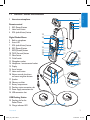
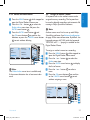
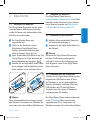
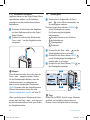
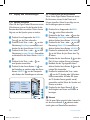
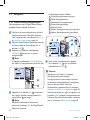
1 The on/off switch of the Digital Pocket
Memo must be in the OFF position.
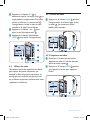
2 Open the battery compartment on the back
side of the Digital Pocket Memo by sliding it
outwards then folding it up.
3 Insert the two AAA batteries. The correct
polarity is indicated on the inside of the
battery compartment cover. 1 2
1
2
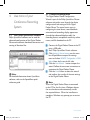
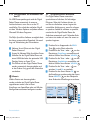
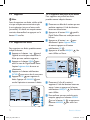
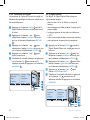
2.2 Recharge the batteries
The Digital Pocket Memo can be operated
with the rechargeable Philips AAA batteries. To
recharge these batteries, use the Philips power
supply, the Docking Station or the USB cable.
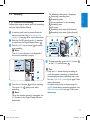
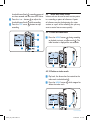
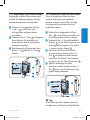
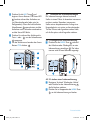
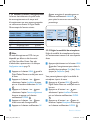
2.2.1 Recharge the batteries using the
Philips power supply
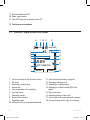
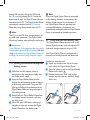
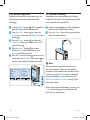
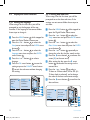
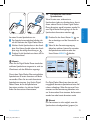
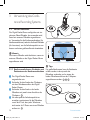
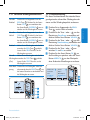
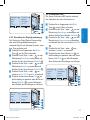
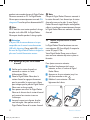
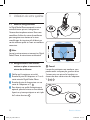
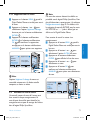
1 Connect the Philips power supply to the
main power supply.
2 Connect the Digital Pocket Memo to the
Philips power supply.
DNote
It is okay to continue using the Digital Pocket
Memo during recharge. The batteries will be
recharged while you work, and will continue
recharging even when the Digital Pocket Memo
is turned off.
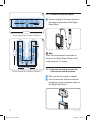
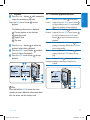
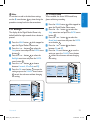
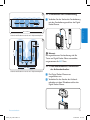
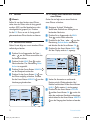
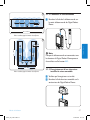
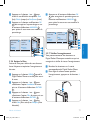
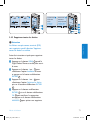
4 Close the battery compartment by folding
it back and sliding the battery compartment
cover inside until it clicks.
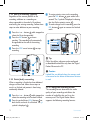
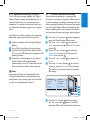
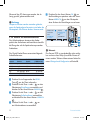
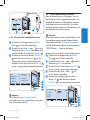
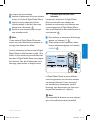
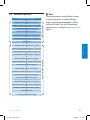
2.2.2 Recharge the batteries through the
USB cable
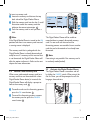
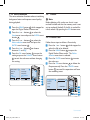
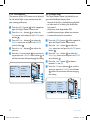
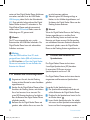
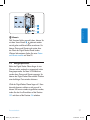
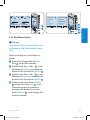
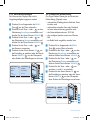
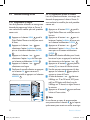
When the Digital Pocket Memo is connected to
a PC or notebook computer with the supplied
USB cable, the rechargeable batteries are
automatically recharged. If the USB port on the
computer is high powered, a complete recharge
cycle takes about 2.5 hours.
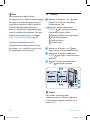
DNote
Do not mix battery types! Use two rechargeable
batteries or two non-rechargeable alkaline
batteries.
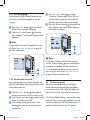
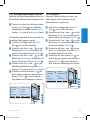
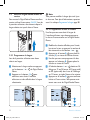
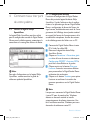
The Digital Pocket Memo switches into PC
Download mode and works like a loudspeaker
and microphone for the connected PC. To
continue recording on the Digital Pocket Memo
User manual
crs955_ifu_en-de-fr.indb 7
E N G LISH
2 Get started
7
25/01/2008 12:14:29