1
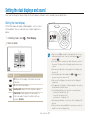
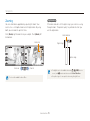
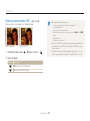
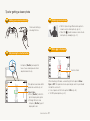
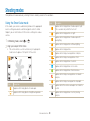
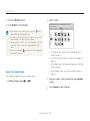
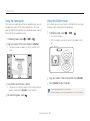
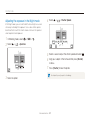
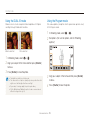
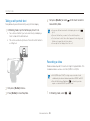
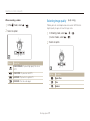
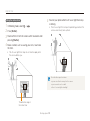
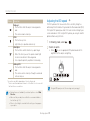
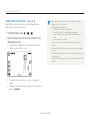
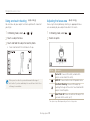
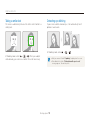
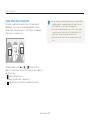
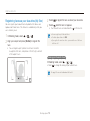
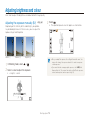
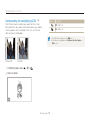
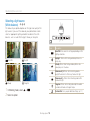
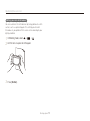
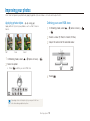
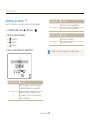
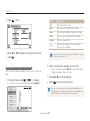
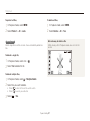
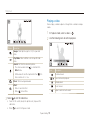
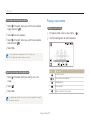
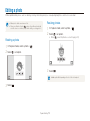
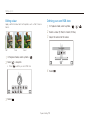
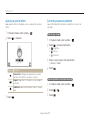
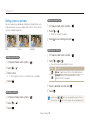
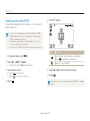
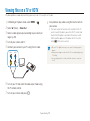
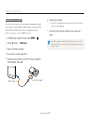
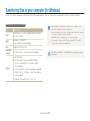
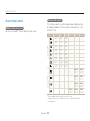
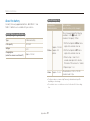
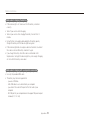
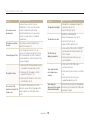
Editing a photo Applying a special effect Correcting exposure problems Apply special effects to the photo, such as colour filters or noise effects. Adjust ACB (Auto Contrast Balance), brightness, contrast, or saturation. 1 2 In Playback mode, select a photo Select . Adjusting an image an option. 1 2 Elegant Option Description Add Noise: Add noise to the photo to give it an aged look. 3 Select . Select t t t . an adjustment option. : Brightness : Contrast : Saturation 3 Select a value to adjust the selected item. (-: less or +: more) 4 Select Colour Filter: Change background colours to black and white to make the main subject stand out. Elegant: Apply effects to the photo to make it brighter and softer. In Playback mode, select a photo . Adjusting ACB (Auto Contrast Balance) 1 2 3 Playback/Editing In Playback mode, select a photo Select Select . 75 . .