1
Chapter 17: PROMGen
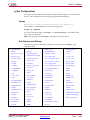
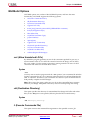
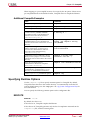
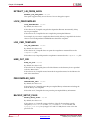
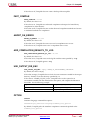
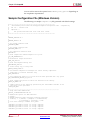
PROMGen Options
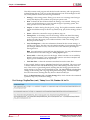
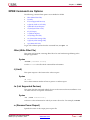
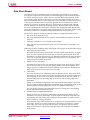
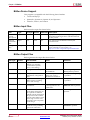
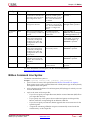
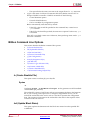
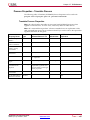
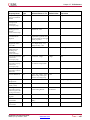
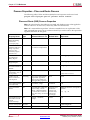
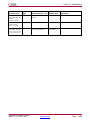
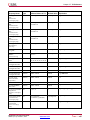
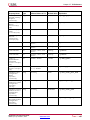
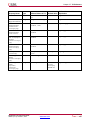
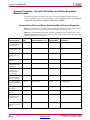
This section describes the options that are available for the PROMGen command.
•
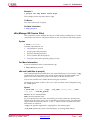
-b (Disable Bit Swapping HEX Format Only)
•
-bd (Specify Data File)
•
-bm (Specify BMM File)
•
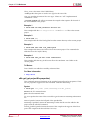
-bpi_dc (Serial or Parallel Daisy Chaining)
•
-c (Checksum)
•
-config_mode (Configuration Mode)
•
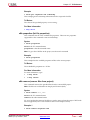
-d (Load Downward)
•
-data_file (Add Data Files)
•
-data_width (Specify PROM Data Width)
•
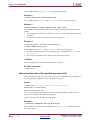
-f (Execute Commands File)
•
-i (Select Initial Version)
•
-intstyle (Integration Style)
•
-l (Disable Length Count)
•
-n (Add BIT Files)
•
-o (Output File Name)
•
-p (PROM Format)
•
-r (Load PROM File)
•
-s (PROM Size)
•
-spi (Disable Bit Swapping)
•
-t (Template File)
•
-u (Load Upward)
•
-ver (Version)
•
-w (Overwrite Existing Output File)
•
-x (Specify Xilinx PROM)
•
-z (Enable Compression)
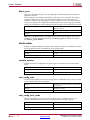
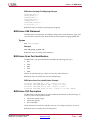
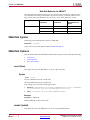
-b (Disable Bit Swapping)
Disables bit swapping in all supported file types (MCS, EXO, TEK, UFP, IEEE1532,
HEX, and BIN).
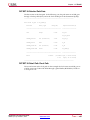
By default (no -b option), bits in the output files are swapped compared to bits in the
input BIT files. If you use -b, the bits are not swapped. Bit swapping is described in Bit
Swapping in PROM Files.
Syntax
-b
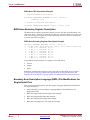
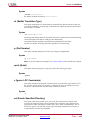
-bd (Specify Data File)
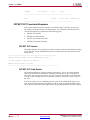
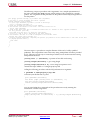
This option specifies data files to be included in the output PROM file. Supported data
file types are ELF and MEM. If no file type is specified, ELF is assumed.
Syntax
-bd filename [.elf|.mem] [start hexaddress ]
Command Line Tools User Guide
UG628 (v14.7) October 2, 2013
Send Feedback
www.xilinx.com
265