1
Chapter 27: Tcl Reference
Example
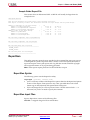
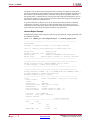
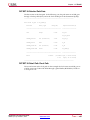
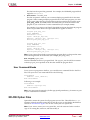
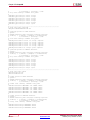
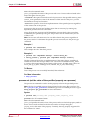
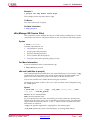
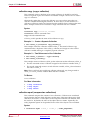
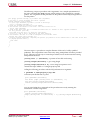
% globals set display_type 1
This example sets the value of global property 'display_type' to 1.
Tcl Return
The value of the specified property.
For More Information
% help globals
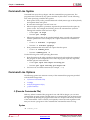
globals unset (unset global properties/data)
This command deletes the specified global property.
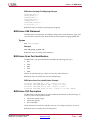
Syntax
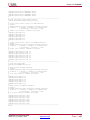
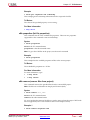
% globals unset property_name
globals is the Tcl command name.
unset is the subcommand name.
property_name specifies the name of one of the global properties/data.
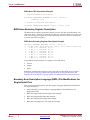
Example
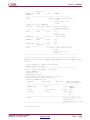
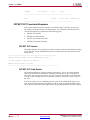
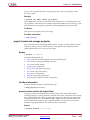
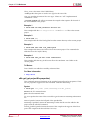
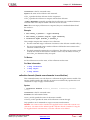
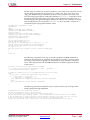
% globals unset display_type
This example deletes the global property 'display_type'.
Tcl Return
The value of the specified property.
For More Information
% help globals
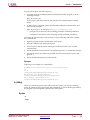
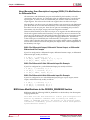
collection (create and manage a collection)
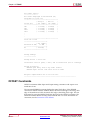
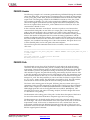
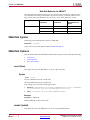
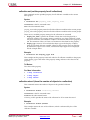
A collection is a group of Tcl objects, similar to a list, which is exported to the Tcl
interface. This command lets you create and manage the objects in a specified collection.
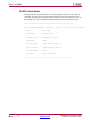
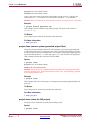
A collection is referenced in Tcl by a collection variable, which is defined with the set
command. Technically, the value of the collection variable is the collection.
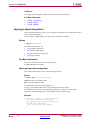
Syntax
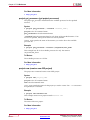
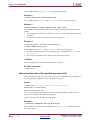
% collection subcommand
Send Feedback
384
www.xilinx.com
Command Line Tools User Guide
UG628 (v14.7) October 2, 2013