1
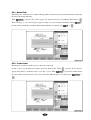
6.5.2 Speed Code
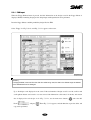
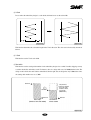
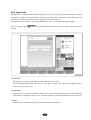
This function is to change the work speed from high speed to low speed for a particular part of embroidery work. While
embroidering a design, the speed will change for the previously set part. When conducting an embroidery work of the
same design, embroidery speed will change for a particular section as previously set.
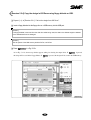
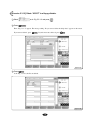
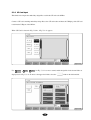
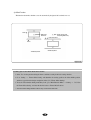
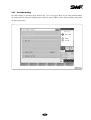
Low speed setting can be made in“⑥ Low Speed Embroidery”under“5.4.3 Mechanical Parameter Setting”.
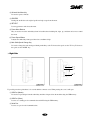
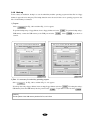
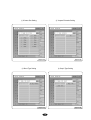
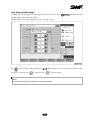
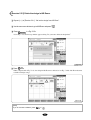
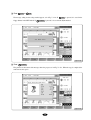
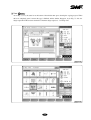
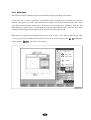
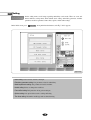
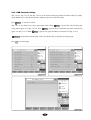
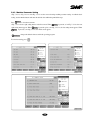
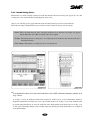
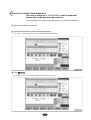
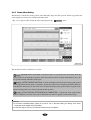
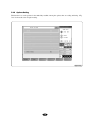
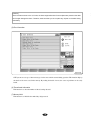
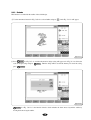
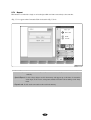
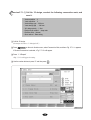
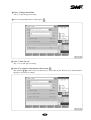
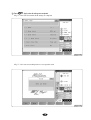
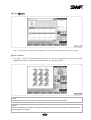
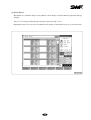
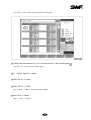
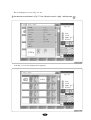
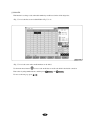
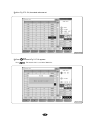
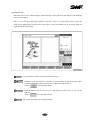
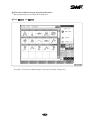
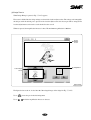
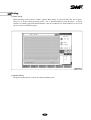
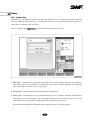
<Fig. 6.5-1> appears when F6 FRAME of the menu during embroidery pause is pressed and the ‘speed code’ menu is
selected.
[Fig. 6.6-1]
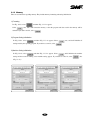
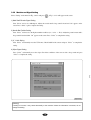
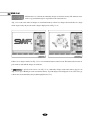
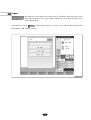
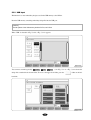
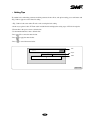
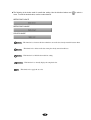
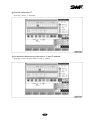
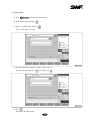
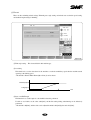
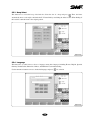
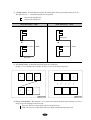
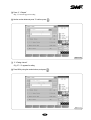
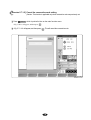
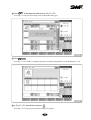
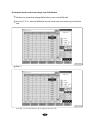
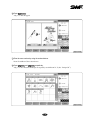
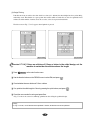
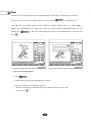
(1) Low Speed
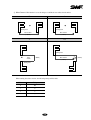
This function is to change the embroidery speed from high speed to low speed.
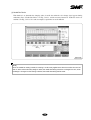
Pause the high-speed embroidery work and select“Low Sped”and press“Set”. Then when embroidery work is
resumed, its speed becomes slow.
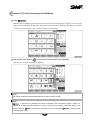
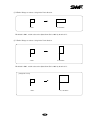
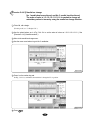
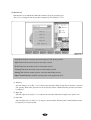
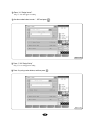
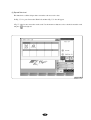
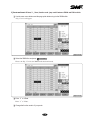
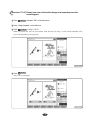
(2) High Speed
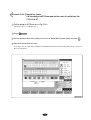
This function is to change the embroidery speed from low speed to high speed. Pause the low-speed embroidery
work and select“High Speed”and press“Set”. When the start button is pressed, the embroidery speed becomes fast.
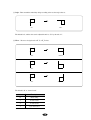
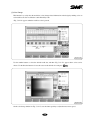
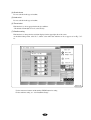
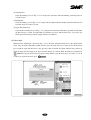
(3) Reset
This function is to initialize the speeds set for particular sections to default speed.
6-8