1
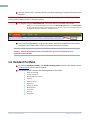
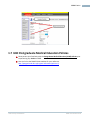
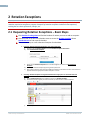
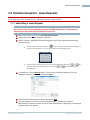
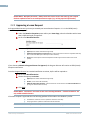
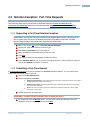
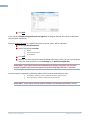
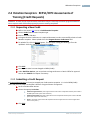
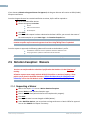
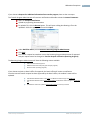
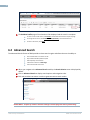
14 If you choose to Submit to Program Director for Approval, the Program Director will receive an OPEN (Credit) Exception notification. Once the Program Director has received notification to review, he/she will be required to: Scroll to find Workflow Actions Choose the appropriate Action: Decline Submit to Dean’s Office Cancel Request Click SAVE. Once the Credit request has been submitted to the Dean’s Office, you can track the status of the credit exception on your Home Page in the Rotation Exception box PLEASE NOTE: If the request needs to be submitted to the College for approval, the credit rotation exception request cannot be approved until the College Ruling Letter is uploaded. Once the request is approved, the following updates will be made to the Resident’s profile: The Resident’s academic record is updated to reflect the difference in FTE. The program ECD is updated to reflect the final PGY end date. PLEASE NOTE: Please confirm that the updated academic record and program ECD are correct. 2.5 Rotation Exception: Waivers PLEASE NOTE: A waiver can only be added to a Resident’s profile when the Resident is in their final year of training. All waiver requests must comply with the RCPSC/CFPC policies on waivers of training. These policies can be found in the RCPSC document “Policies and Procedures for Certification and Fellowship” and on the CFPC Website under “Requirements for Residency Eligibility” 2.5.1 Requesting a Waiver Refer to the steps in 2.1 to start a Waiver Rotation Exception. Choose Waiver under Rotation Exception type. Enter a new ECD Date (when the learner will complete their program). Click SAVE. Your request status has now changed to OPEN (Waiver). Under Workflow Actions, you must submit to Program Director or Dean’s Office for approval. You can also CANCEL the request if necessary. UBC Faculty of Medicine RMS User Guide v.P1.0