1
uoSyllabus – User Guide
3. Course Selection Page: Begin Creating a Syllabus
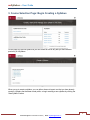
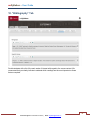
On this page you will find syllabi that you can create as well as any that you have created
previously in uoSyllabus.
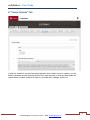
When you go to create a syllabus, you can either choose to import one that you have already
created, a syllabus that has been made public, or begin creating a new syllabus by clicking the
“New Syllabus” button.
5
Technical Support 613-562-5800 ext. 6555 | Email [email protected]