1
Chapter 6 – Reading Cases Step-by-Step
Amendments and Corrections
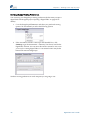
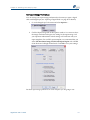
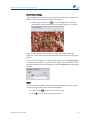
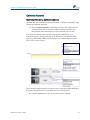
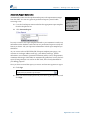
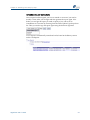
Once a report has been signed, you have to amend or correct it if you need to modify it. First, make your changes and then generate the report again. Now before you can sign the report you need to specify if you want to do an Amendment or Correction by choosing from the Select Update Type drop‐down list. Then you need to sign the report again using the electronic signature. A new report is automatically created and can be found in the History section under Case Reports. Digital IHC User’s Guide
47