1
14.9.1 Remove Telephone Conference
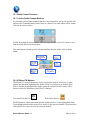
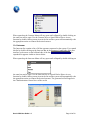
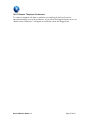
To remove a telephone call from a conference you simply grab the Line Icon to be
uncoupled and drag it out of the conference. As you move the dragged Icon the hover text
“Remove from Conference” will appear at which time release the dragged Icon.
Omni-COM User Guide 1.3
Page 27 of 28