1
Waypoint Library
Viewing the waypoint library
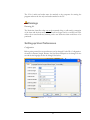
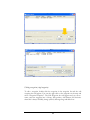
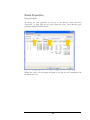
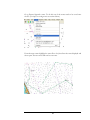
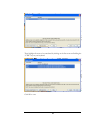
To view waypoints in the waypoint library go to –Waypoints/Waypoint Library.
Printing the waypoint library
To print the waypoint library, click the “Print” button at the bottom of the waypoint
library dialog.
Finding Waypoints
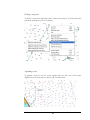
Zoom to a waypoint (moving the chart to show the waypoint)
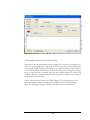
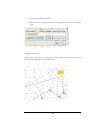
To see where a waypoint is positioned, the chart can be repositioned to center on a
particular waypoint. Click the waypoint in the waypoint library and then click the
button “Zoom to waypoint”. The chart view will be repositioned so that the waypoint
is in the center of the view (or as close as can be achieved).
Importing & Exporting Waypoints
Exporting waypoints to Microsoft Excel®
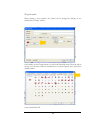
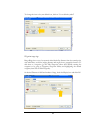
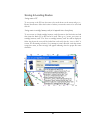
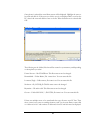
Waypoints can be exported from NavPlanner so that they can be manipulated, printed
and can also be imported back into the application. To export the waypoints, go to –
Waypoint/Waypoint Library and click on - Export Waypoints.
20