1
WW CalculatorUserGuide_ENG_FIN_Layout 1 5/13/10 6:08 PM Page 3
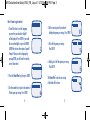
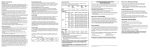
Here’s how to get started:
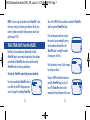
1. You will first have to set the Language
you want for your calculator. English?
will be displayed. Press ENTER if you would
like to confirm English or press the DOWN
ARROW key to view other options: Espanol?
Français? Once you select a language by
pressing ENTER, you will be at the stand-by
screen (shown here).
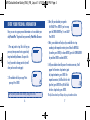
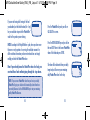
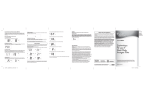
2. Press the PointsPlus key, then press ENTER.
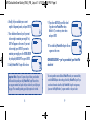
4. Do the same to put in the number of
Carbohydrate grams per serving. Press ENTER.
5. Put in the Fat grams per serving.
Press ENTER.
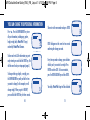
6. Finally, put in the Fibre grams per serving.
Press ENTER.
TM
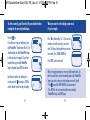
The PointsPlus value for one serving
of that food will be shown.
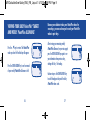
3. Use the number keys to put in the number of
Protein grams per serving. Press ENTER.
4
5