1
DDS Well Drilling Completion Data Submission System: A User Guide
v 2.1 (Sep 2013)
B.4.3 Fracture Components tab: Add and Amend Fracture
Components
{Section 4, pages 24-27 of Directive 059}
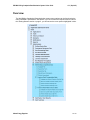
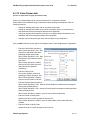
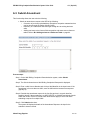
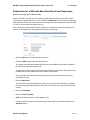
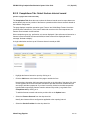
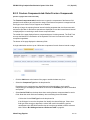
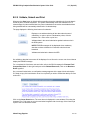
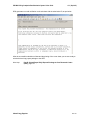
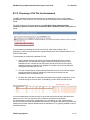
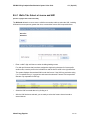
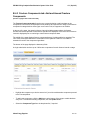
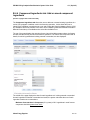
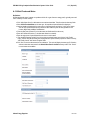
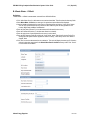
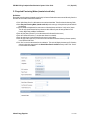
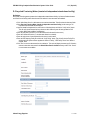
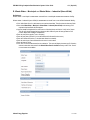
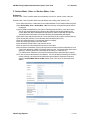
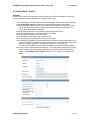
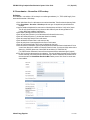
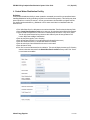
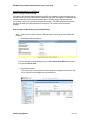
The Fracture Components tab allows the user to amend existing or add new data on the
components of the fracture fluid pumped into the wellbore at each interval or stage. Each fracture
component is categorized into three types: as a Carrier Fluid, a Proppant or an Additive.
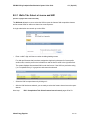
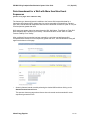
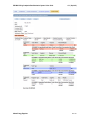
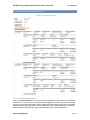
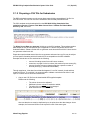
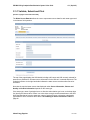
At the top of the page, the reporting fracture interval including treatment date, the fracture
scenario and service provider for the fracture operation are displayed. Ensure the correct fracture
interval is displayed prior to continuing to enter fracture component data.
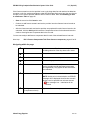
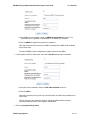
The middle of the page displays fracture component data as it is being added or amended. The
Fluid Total sums up the Maximum Concentration of the Hydraulic Fluid once it is added or
amended for each of the component ingredients.
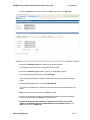
The bottom of the page displays the data entry fields.
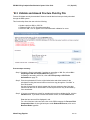
A single submission can have up to 100 fracture components for each fracture interval or stage.
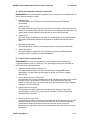
o
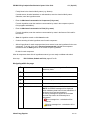
Highlight the component you wish to amend or if you wish to add another component proceed
to the next step below.
o
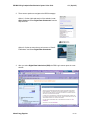
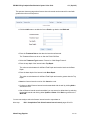
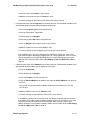
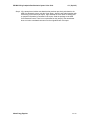
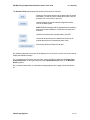
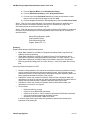
To add a new component, click the Add button at the bottom of the page to enable the data
entry form. To amend an existing component, click the Update button.
o
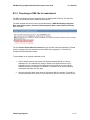
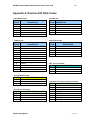
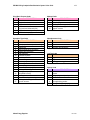
Select the Component Type from the drop down list, if required.
Alberta Energy Regulator
82 of 141