1
Changing Channels and Categories
Pressing the Channel up or down button will immediately tune to the next or previous
subscribed channel.
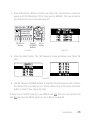
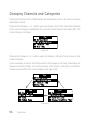
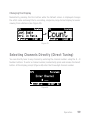
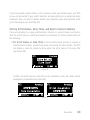
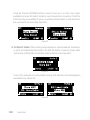
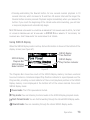
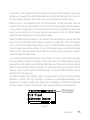
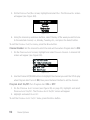
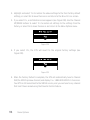
Pressing the Category < or > button once will display a list of the subscribed channels
in the current category, highlighting the currently-tuned channel (see Figure 39). This
is the Category List mode.
Figure 39
Pressing the Category < or > button again will display a listing of the previous or next
channel category.
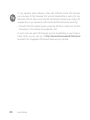
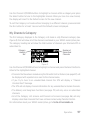
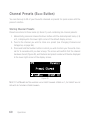
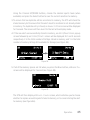
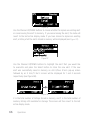
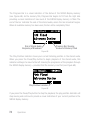
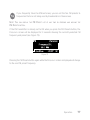
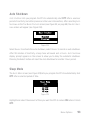
If you repeatedly press the Disp button while in the Category List mode, the display will
sequence between listings of currently-playing artist names, song titles, and back to
channel names within the current category (see Figure 40).
Figure 40
56
Operation