1
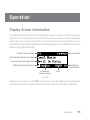
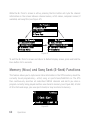
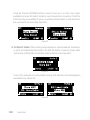
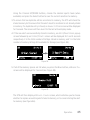
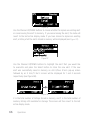
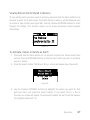
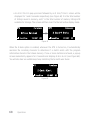
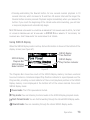
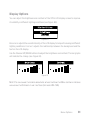
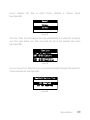
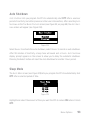
The Progress Bar is a visual indicator of the status of the SIRIUS Replay memory
(see Figure 68). As the memory fills, Progress Bar begins to fill from the right side
providing a visual indication of how much of the SIRIUS Replay memory is filled. The
end of the bar indicates the end of the stored audio, where the live broadcast begins.
When all available memory has been used, the bar will be completely filled.
End of Stored Audio
Beginning of Broadcast
Progress Bar Showing
Amount of Memory Filled
Figure 68
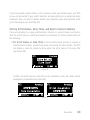
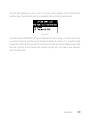
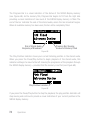
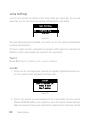
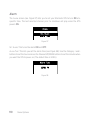
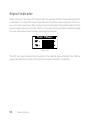
The Play Position indicator shows your current listening position in the stored audio.
When you press the Pause/Play button to begin playback of the stored audio, this
indicator will begin to move to the left showing the progression of the playback through
the SIRIUS Replay memory — provided that the memory is not full (see Figure 69).
Play Position Indicator
Figure 69
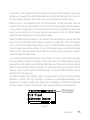
If you press the Pause/Play button to stop the playback, the play position indicator will
stop moving and continue to provide a visual indication of your current position in the
SIRIUS Replay memory.
74
Operation