1
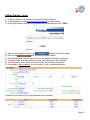
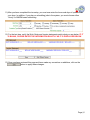
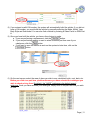
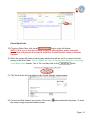
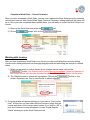
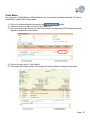
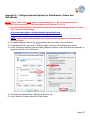
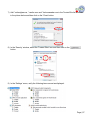
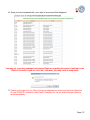
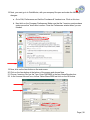
4) If you move your mouse over the empty box in the ‘Price’ column, the price will appear.
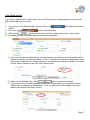
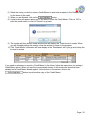
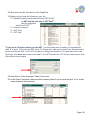
5) To place these items in your shopping cart, click on the
button.
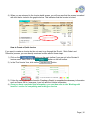
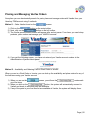
6) The
button will display on the top of your screen near your name.
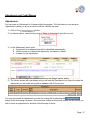
7) To place an order for the contents in your Cart, click on the
button.
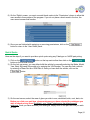
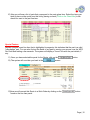
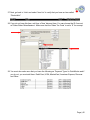
8) In the Shopping Cart Contents screen, verify these are the items and quantity you wish to
button.
order. If you are ready to place your order, click on the
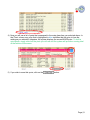
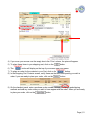
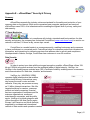
9) On the checkout panel, enter a purchase order number, choose your freight and shipping
methods and add any order notes you wish to have appear with the order. When you are ready
to place your order, click on the
button.
Page | 21