1
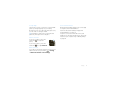
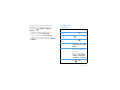
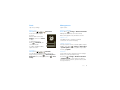
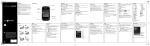
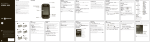
Import contacts from your SIM
Note: You need to set up an email account (see
page 17) before you can import contacts from your
SIM.
Find it:
Contacts > Menu
> Import from SD card
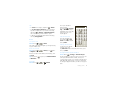
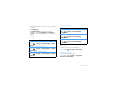
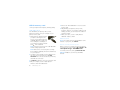
Select the account to save the contact to, then type
the contact name and details.
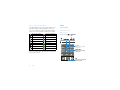
Edit contact
> Import/Export
Google contact
[email protected]
Note: You might have already imported contacts from
your SIM during “Set up & go” on page 3.
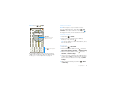
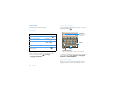
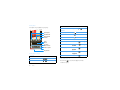
Tap Home to choose a
different type for this entry.
First name
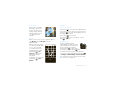
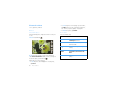
Call, text, or email contacts
Find it:
Surname
Contacts
Tap + to add another entry.
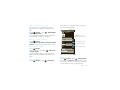
For View contact, Call contact, Text contact, Add to
favorites, or other options, tap and hold the contact.
Phone
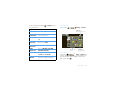
Edit or delete contacts
Email
Find it:
Contacts
Tap the contact, then press Menu
or Delete contact.
Home
> Edit contact
Tip: When editing a contact, you can set a ringtone,
address, and other details that will be saved on your
phone.
Contacts > Menu
Done
> New contact
Phone
Tap - to remove this entry.
To see more details, flick up.
Email
Revert
When you’re finished, tap Done.
Groups
Find it:
Create contacts
Find it:
Home
Contacts > Menu
> Display options
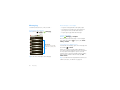
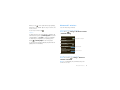
You can put your Contacts into groups that you create
(like “friends”, “family”, or “work”). Then, you can find
contacts faster by showing one group at a time.
Contacts
19