1
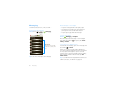
In the viewfinder, press Menu
the camera menu:
> Settings to open
View your photos
Find it: Home
>
>
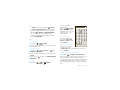
options
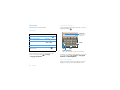
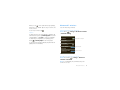
Face detect
Detect faces stored on your phone.
Image
stabilization
Prevent the camera from shaking
when taking a photo.
ISO
Choose from Auto, 100, 200, 400,
800
Picture
resolution
Select the resolution for your
photos. Set to 8MP.
Panorama
resolution
Choose from 2MP, 1MP, and VGA.
Video
Resolution
Choose 8MP Wide, 8MP, 5MP,
3MP, 2MP, 1MP, VGA.
Review time
Choose from 2 seconds, 4
seconds, and 6 seconds.
Web upload
address
Enter the web site address where
you want to upload your photos.
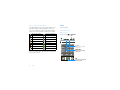
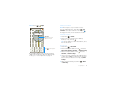
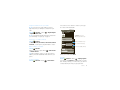
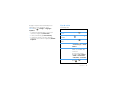
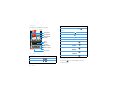
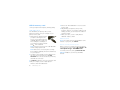
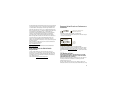
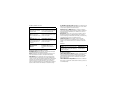
Gallery > Camera
Categories
Tap left or right to open.
Camera
Tap left or right
to scroll.
Thumbnail
Tap to view photo.
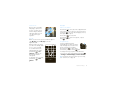
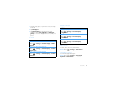
Play a slideshow
Press Home
>
>
Gallery > Camera, tap
a picture, then tap Slideshow to start a slideshow. To
stop the slideshow, tap the display. To return to the
gallery, press Back
.
Photos & videos
27