1
Disposition Spatial Processing Tool Public User Manual
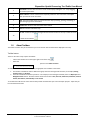
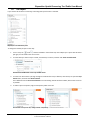
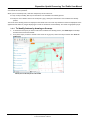
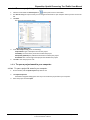
If you did not select the Include Georeference Data, the following confirmation message displays:
5.
Do one of the following:
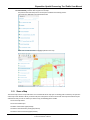
Click Download and when the Save As dialog opens, navigate to where you want to save the zip file, and click
Save.
Click View Image to open the image in your browser.
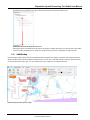
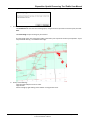
The map image opens. The map image is taken at the extent your map was at the time you exported it. If your
map contained markup, it is included in the image.
6.
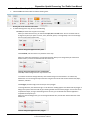
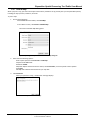
Do any of the following:
Copy the image and paste it into an email.
Copy the URL.
Print the image by right-clicking on the title bar or using the File menu.
Apr 10, 2014
Disposition Spatial Processing Tool User Manual
© 2014 Government of Alberta
Page 29 of 33