1
1 Overview
Purpose
This document provides the operational instructions for the users of the MacBank ABM including
the customers and the employees.
How to Use This Document
The information in this user guide, as outlined in the Table of Contents, is divided into two major
sections, where the first section is dedicated to the customer base of the users, and the second
section is dedicated to the bank employees.
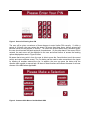
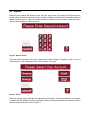
When using the MacBank ABM system, the customer needs to log into the system first and are
then able to access the different banking options provided by the ABM menu. These options
include Withdraw, Deposit, Transfer, and Check Balance. The procedures on how to login and use
the banking options are described below under the Customer Options section to aide the user in
the operation of the MacBank ABM.
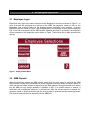
For the bank employees, the MacBank ABM provides special access for them to use the employee
functions on the system. Employees are allowed to restock the ABM machine with money and
unlock an account in the event that it is locked due to bad PINs. Procedures for these operations
are described below under the Employee Options section to aide them in the use of the MacBank
ABM.
Assumptions
In addition to the instructions outlined in this manual, it is assumed that IIS 7.0 and SQL are
installed on the central ABM server of the bank.