1
Re-Arrange Site Map
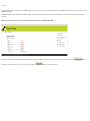
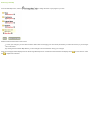
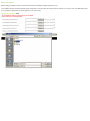
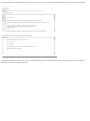
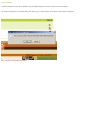
From the Site Map screen, Click on
to change the order of your pages in your site.
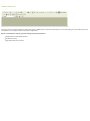
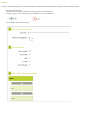
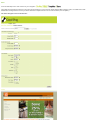
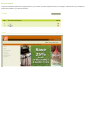
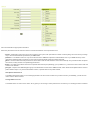
Note the buttons at the bottom of the screen:
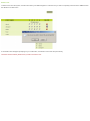
To save your changes, you must click the"Save" button after re-arranging your menu items (and before you leave this screen) or your changes
will not be saved.
By clicking the 'Back to Site Map' Button, you are exiting this screen WITHOUT saving your changes.
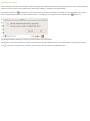
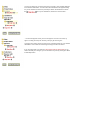
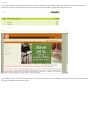
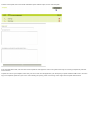
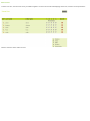
All of your web pages will be displayed on the Re-arrange Site Map screen. All items that have subitems will display with a
the
to expand the sub-items.
icon next to them. Click