1
Delete a template
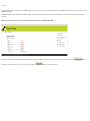
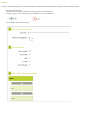
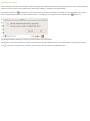
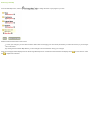
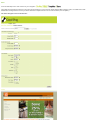
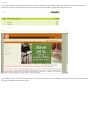
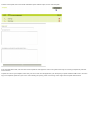
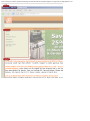
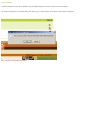
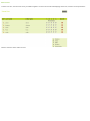
To delete a template. Click on the Templates link in your WMS navigation and click the delete icon for the template
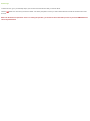
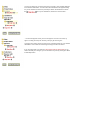
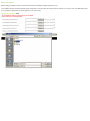
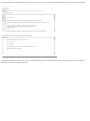
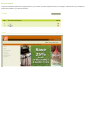
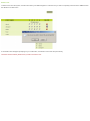
You will be prompted with a confirmation dialog box, asking you to confirm deletion. Click YES to confirm deletion of template.
Note : This action is final and cannot be undone.