1
876
EDC RC 7.0.0 User Manual
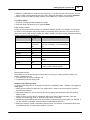
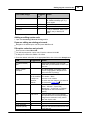
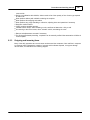
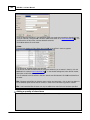
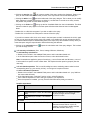
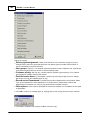
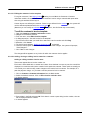
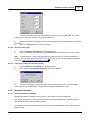
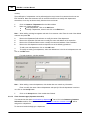
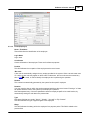
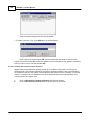
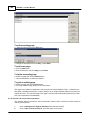
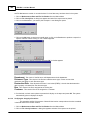
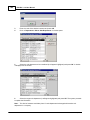
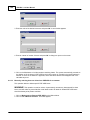
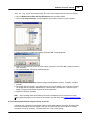
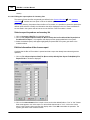
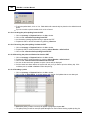
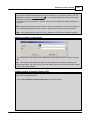
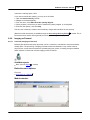
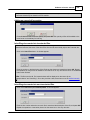
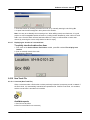
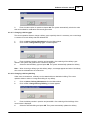
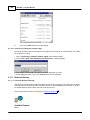
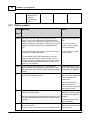
3. Hold 0,7 and press "pwr" to enter the system menu
4. Press '2' to restart
The lists and various settings will be cleared.
5. Power on the scanner by pressing the orange pwr button
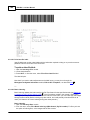
6. Scan your employee bar code to log in
If you transfer information using a cable instead of the cradle,
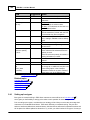
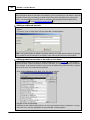
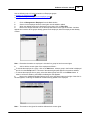
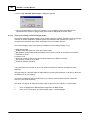
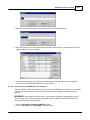
7. Press 4 to enter the utilities menu
8. Press 8 for Cradle/Cable
9. Press 2 for Cable
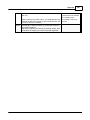
If you use alternate labels of the same length for locations and items
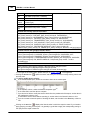
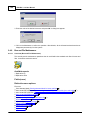
10.Press 4 to enter the utilities menu
11.Press 6 for Check bar code length
12.Press 0 for No
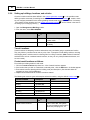
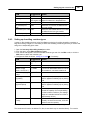
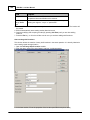
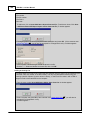
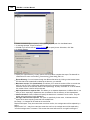
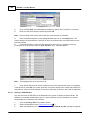
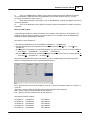
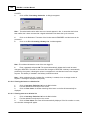
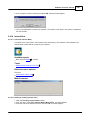
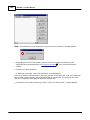
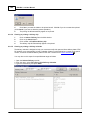
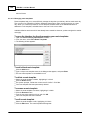
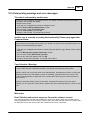
If you wish to use the PDT before downloading a list from the computer, configure the PDT as follows:
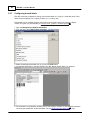
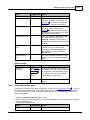
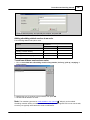
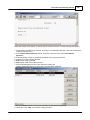
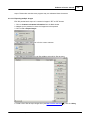
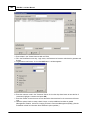
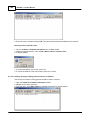
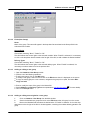
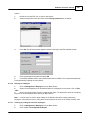
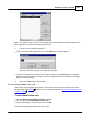
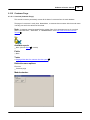
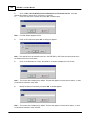
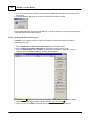
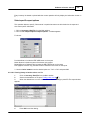
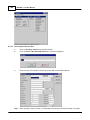
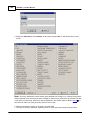
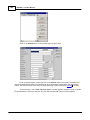
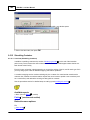
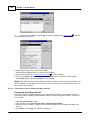
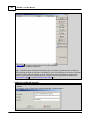
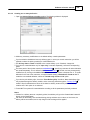
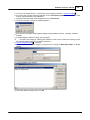
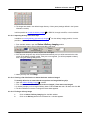
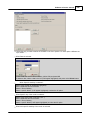
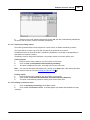
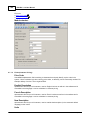
13.Open the Management->System Information module.
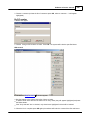
14.From the menu, select File->Configure PDT.
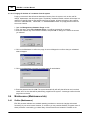
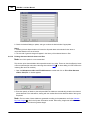
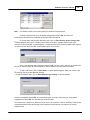
15.Set the PDT to receive by placing it in the cradle or connecting the cable and pressing 1 to receive.
16.Press Enter on the computer to send the configuration information to the PDT.
12.3
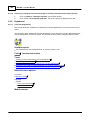
How do I bill multiple accounts on a single invoice?
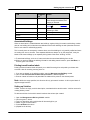
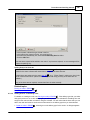
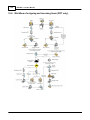
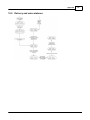
Billing multiple accounts on a single invoice requires following steps:
For each account to be added to the main account invoice:
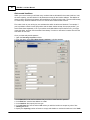
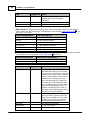
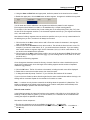
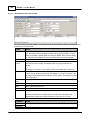
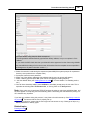
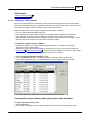
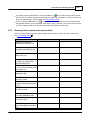
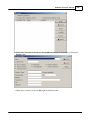
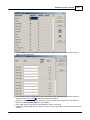
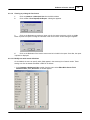
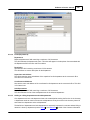
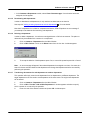
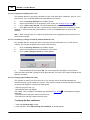
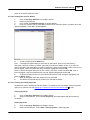
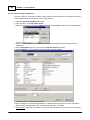
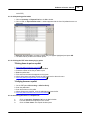
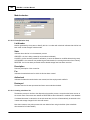
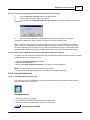
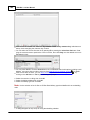
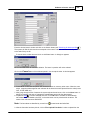
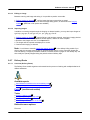
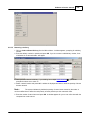
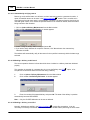
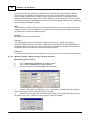
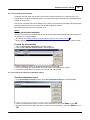
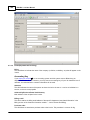
1. In the Customer->Customer Information module, navigate to the correct account.
2. Press Ctrl-E to go into Edit mode.
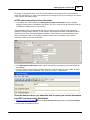
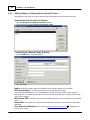
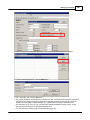
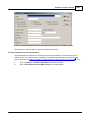
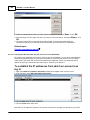
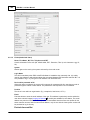
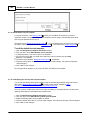
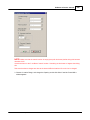
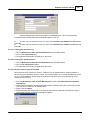
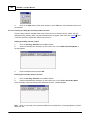
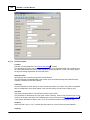
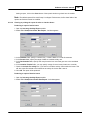
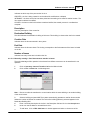
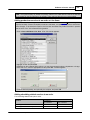
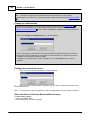
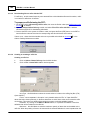
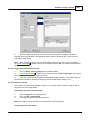
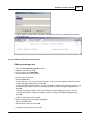
3. Near the top of the billing section, select the Bill to another client setting, and enter the customer
key of the main account.
For the main account:
1.
2.
3.
4.
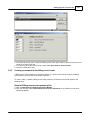
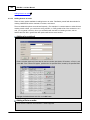
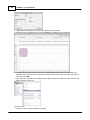
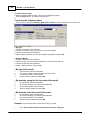
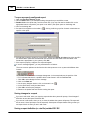
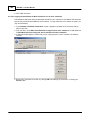
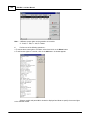
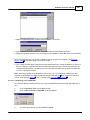
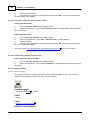
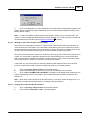
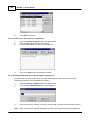
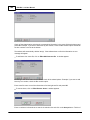
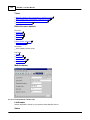
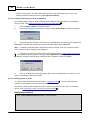
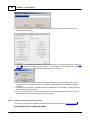
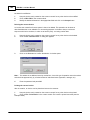
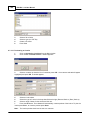
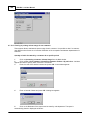
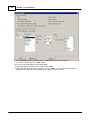
In the Customer->Customer Information module, navigate to the correct account.
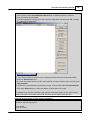
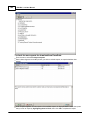
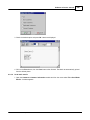
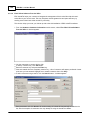
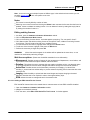
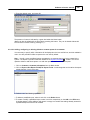
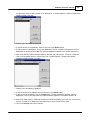
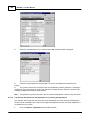
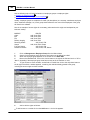
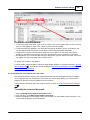
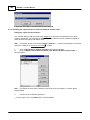
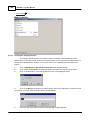
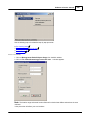
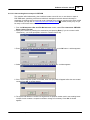
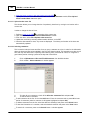
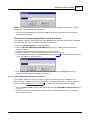
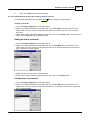
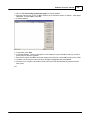
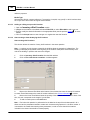
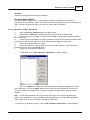
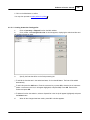
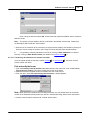
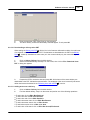
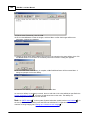
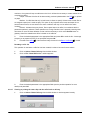
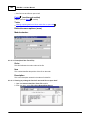
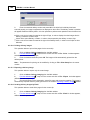
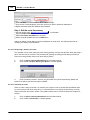
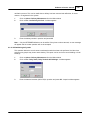
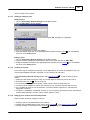
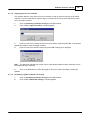
From the menu, select Edit->Invoice template
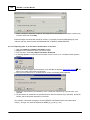
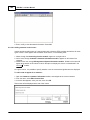
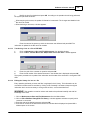
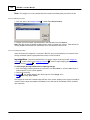
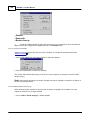
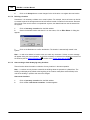
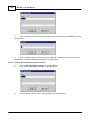
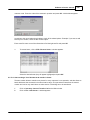
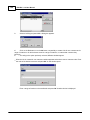
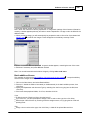
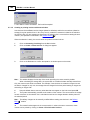
When prompted for an invoice to use, click Cancel.
710
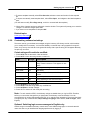
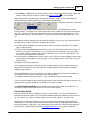
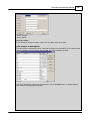
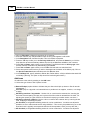
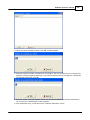
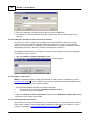
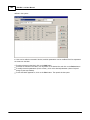
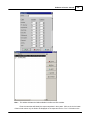
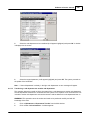
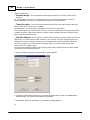
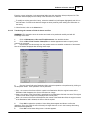
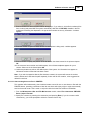
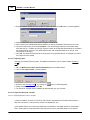
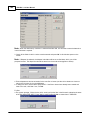
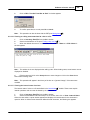
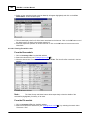
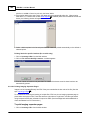
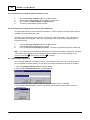
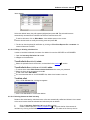
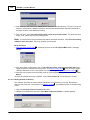
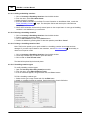
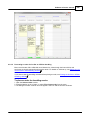
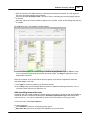
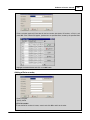
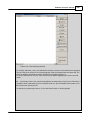
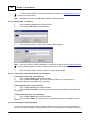
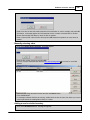
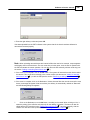
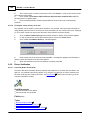
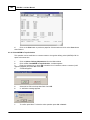
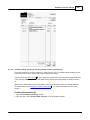
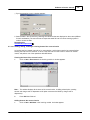
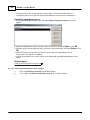
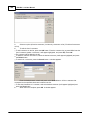
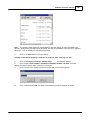
Review the invoice template that appears. If necessary, edit it
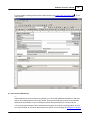
. If charges need to be grouped by
department or account, ensure that the Report->Sort by Department option from the menu is
selected. When done, exit the editor, saving changes if you made any.
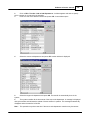
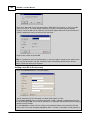
5. Press Ctrl-E to go into Edit mode.
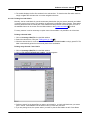
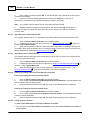
6. Near the bottom of the billing section, ensure that Legacy invoice is set to No.
© 2015 DocuData Software Corporation